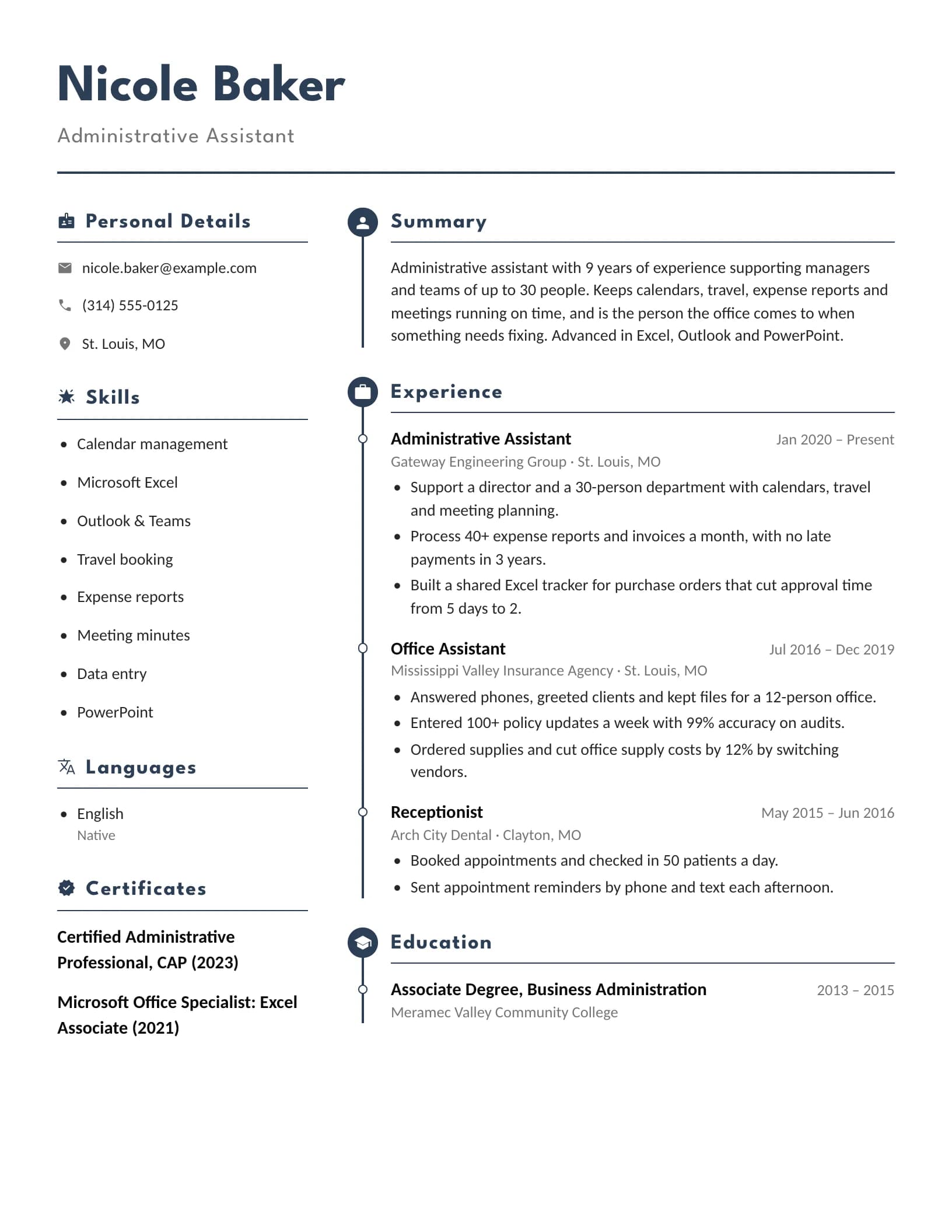
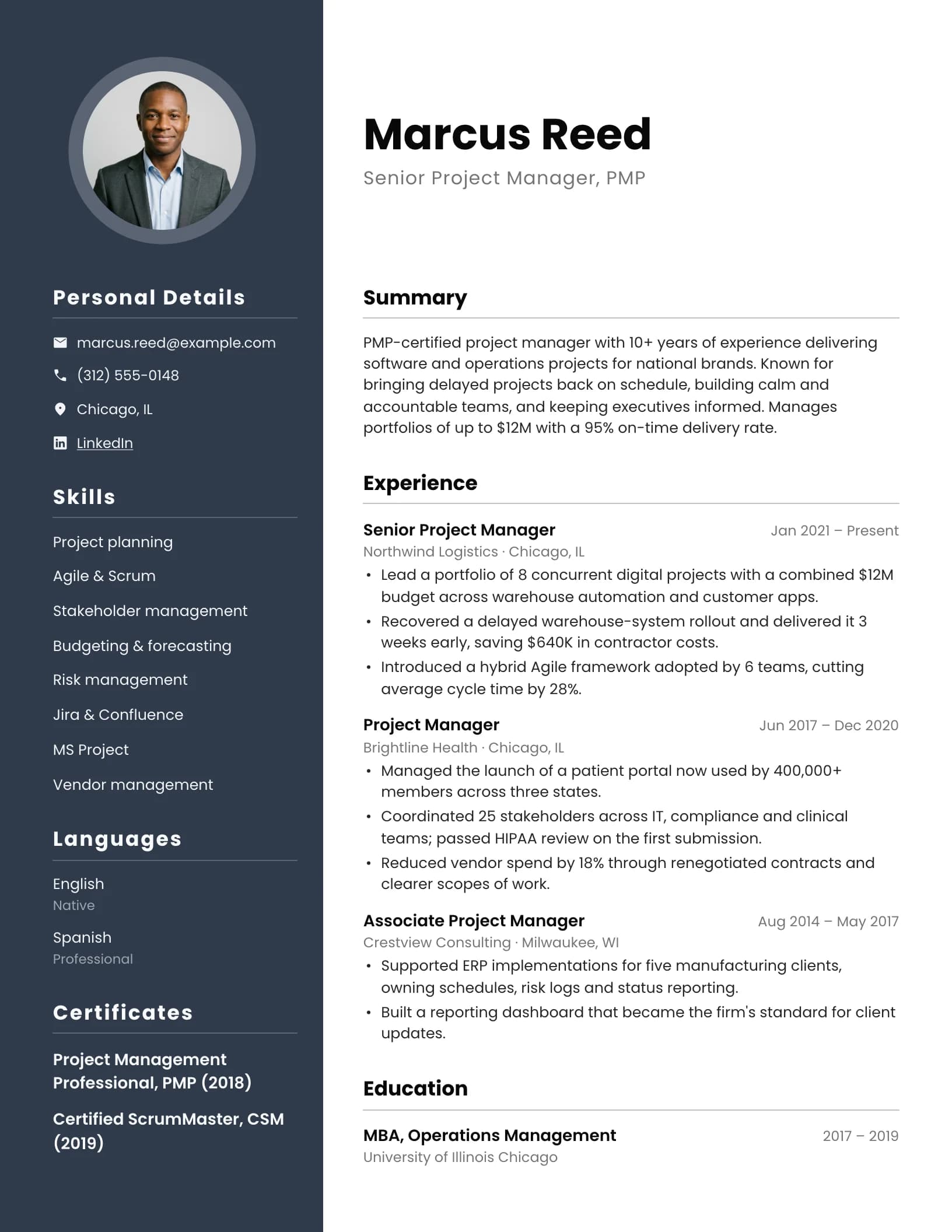
To write a CV, put your contact details at the top, add a short personal statement, then list your employment history, your education and qualifications, and your skills, with the newest first. Keep it to two sides of A4, change it for each job advert and send it as a PDF. The eleven steps below take you through it in order.
This guide is for ordinary job applications in the UK and Ireland: driving, care, kitchen, warehouse, shop and office work. It is not about the long academic CV used for university posts. If you are not sure which document an employer means, read resume vs CV first.
On this page · 15 sections
What a good CV looks like
A good CV:
- fits on two sides of A4, or one side if you are early in your working life
- has clear headings, so an employer can find each part quickly
- shows your most recent job first
- uses facts and numbers in place of empty words such as hard-working
- is changed a little for every job you apply for
For a quick list of every section, see what to include in a CV. Then work through the steps.
Step 1: Choose a simple CV layout
The usual layout in the UK and Ireland puts your newest job and newest qualification first and works backwards.
Put the sections in this order:
- Name and contact details
- Personal statement
- Employment history
- Education and qualifications
- Skills
- Optional sections, such as interests
If you are a school leaver or a recent graduate, move education above employment history.
Keep the design plain. Use one clear font, bold section headings, the same style for every date and enough white space that the page does not look crowded. Your name is the heading at the top. You do not need to write "Curriculum Vitae".
How long should a CV be
Two sides of A4 is the standard. One full page is fine if you have had only one or two jobs. If you run past two pages, cut older and less relevant details before you shrink the font or the margins.
Set the page size to A4, the standard paper size in the UK, Ireland, the rest of Europe and Australia.
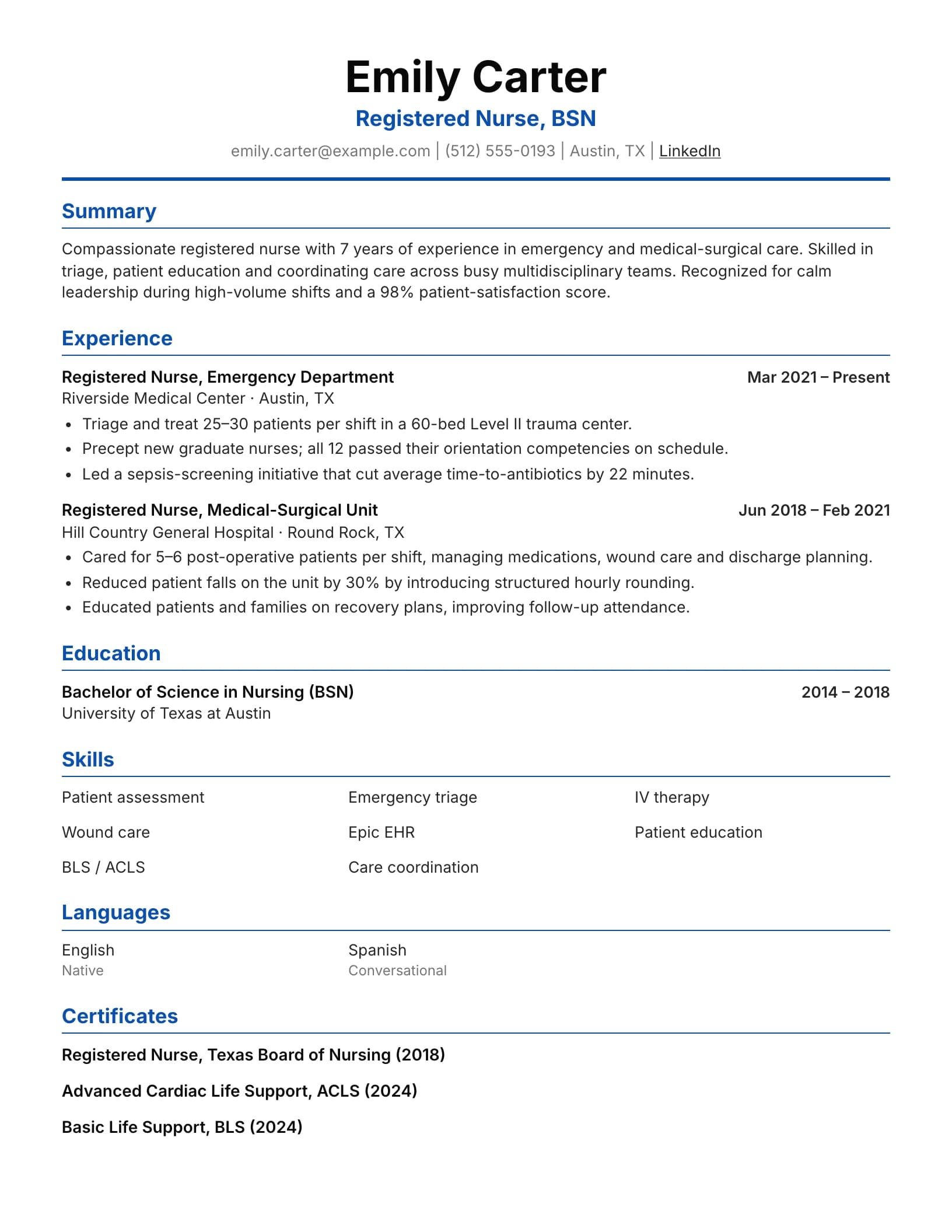
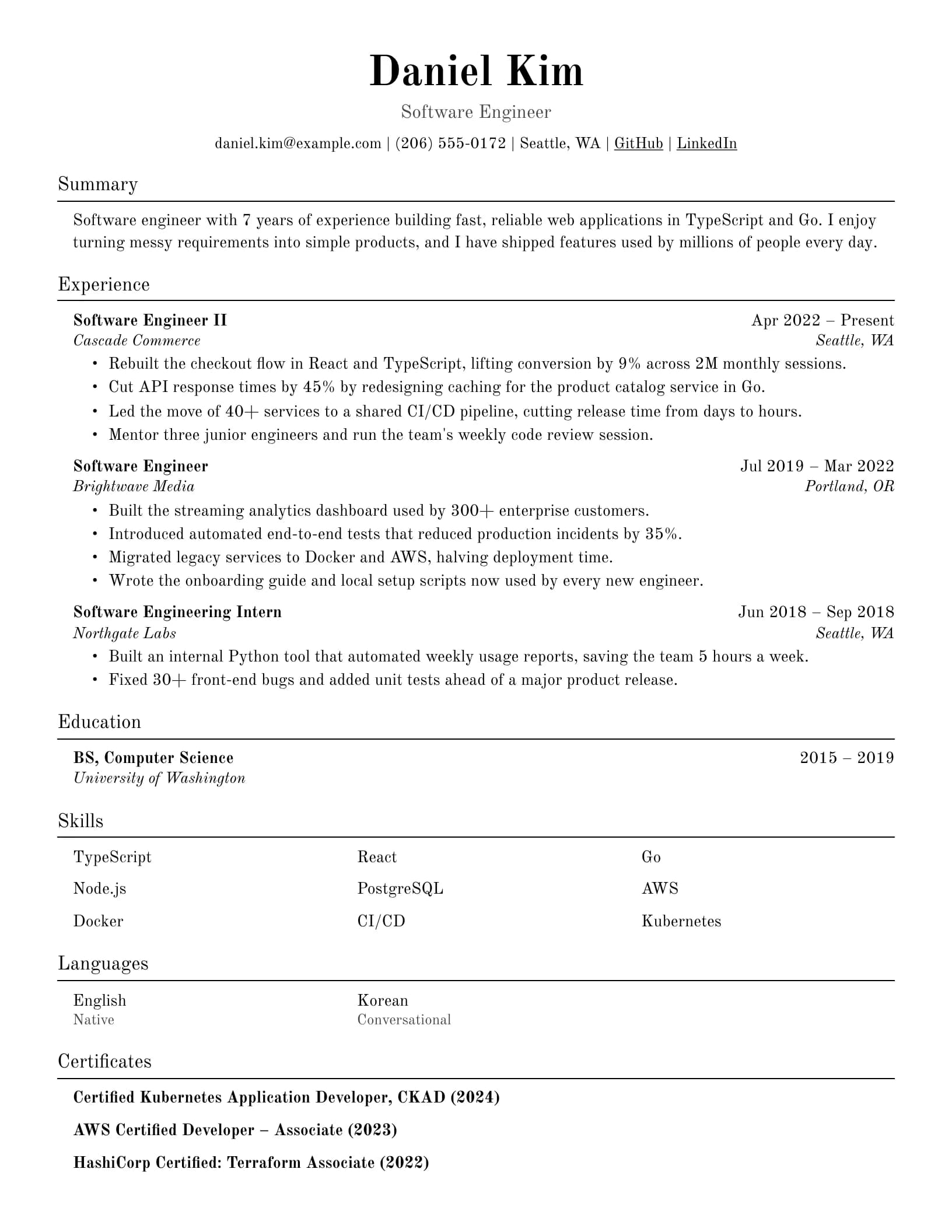
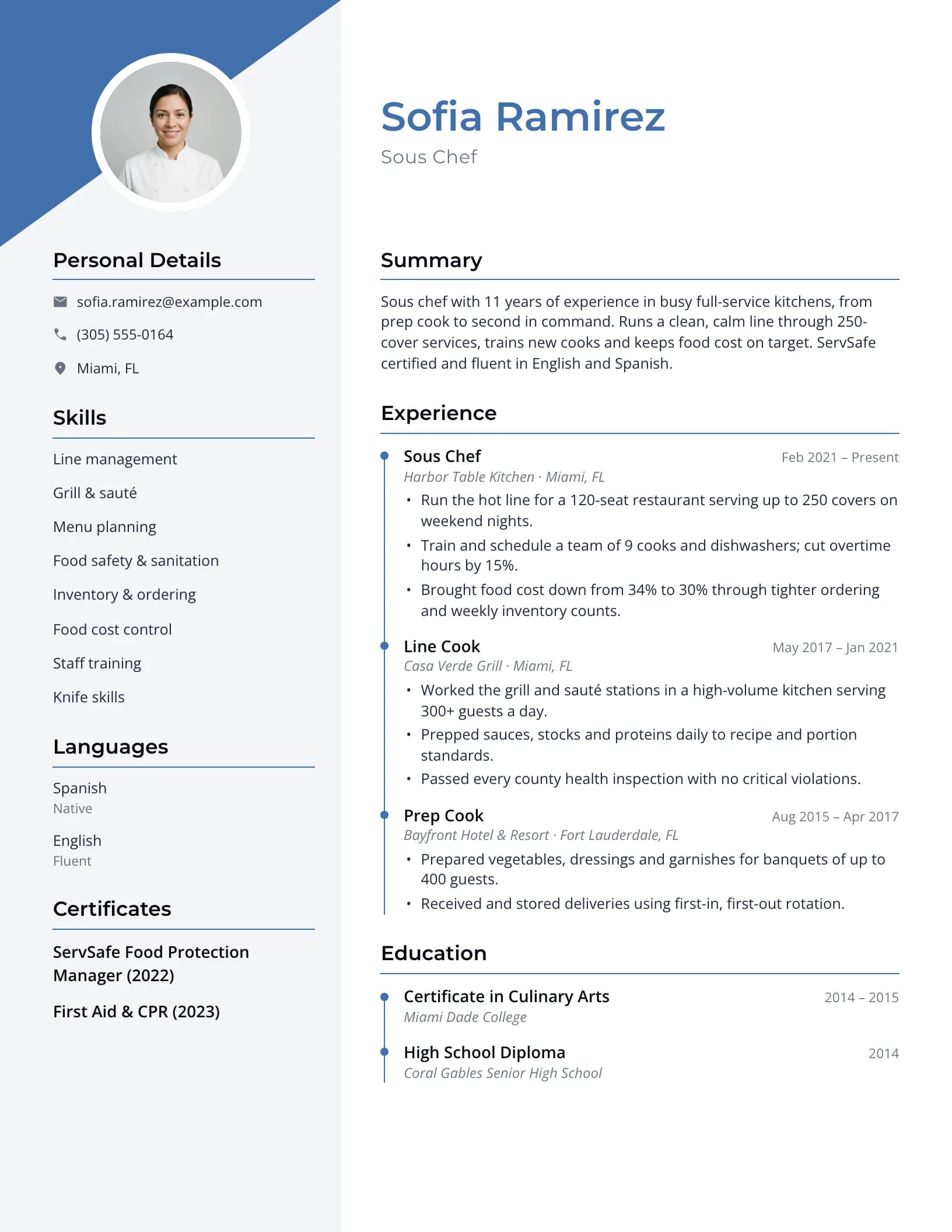
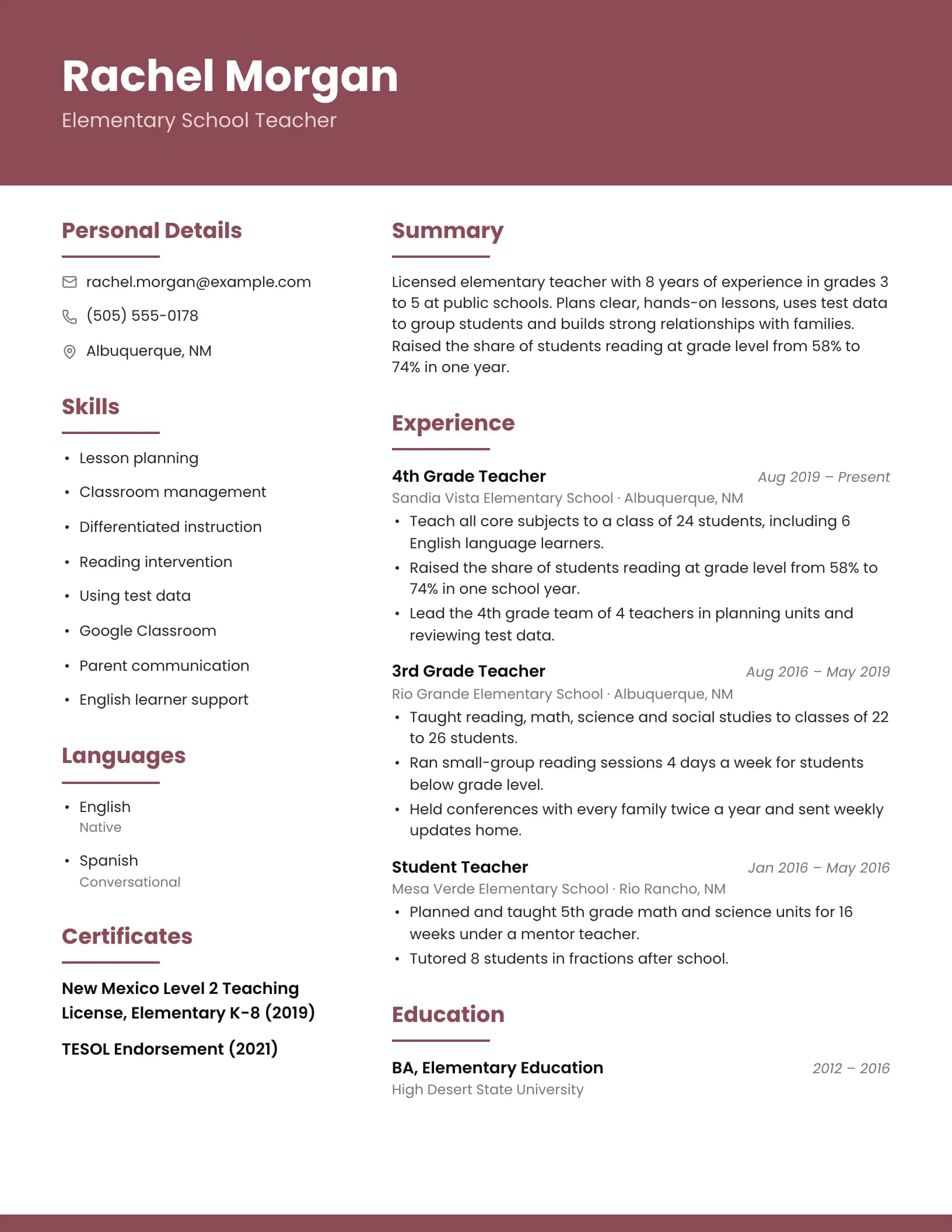
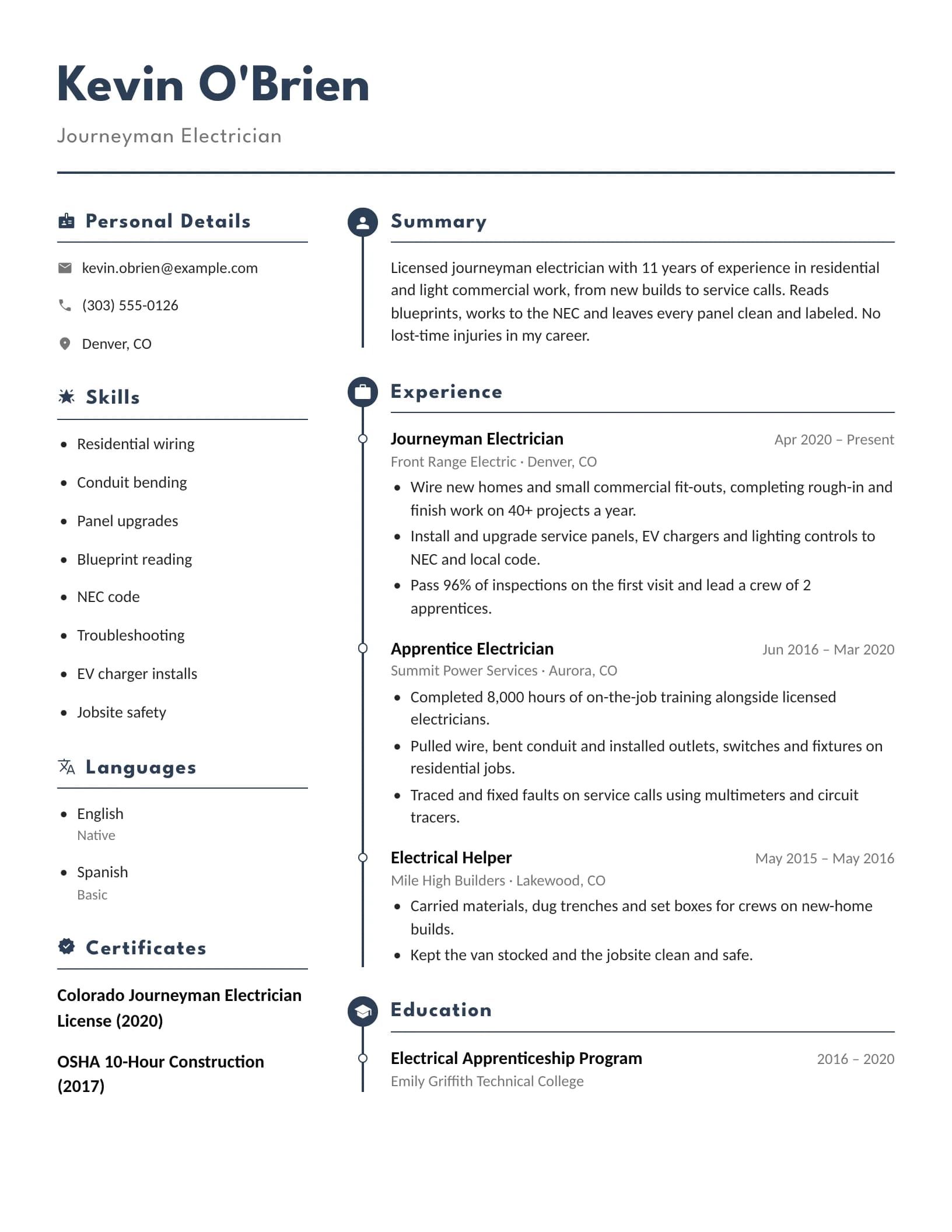
These three templates are plain, easy to read and work well without a photo. The pictures show US-style samples, but every template can be set to A4.
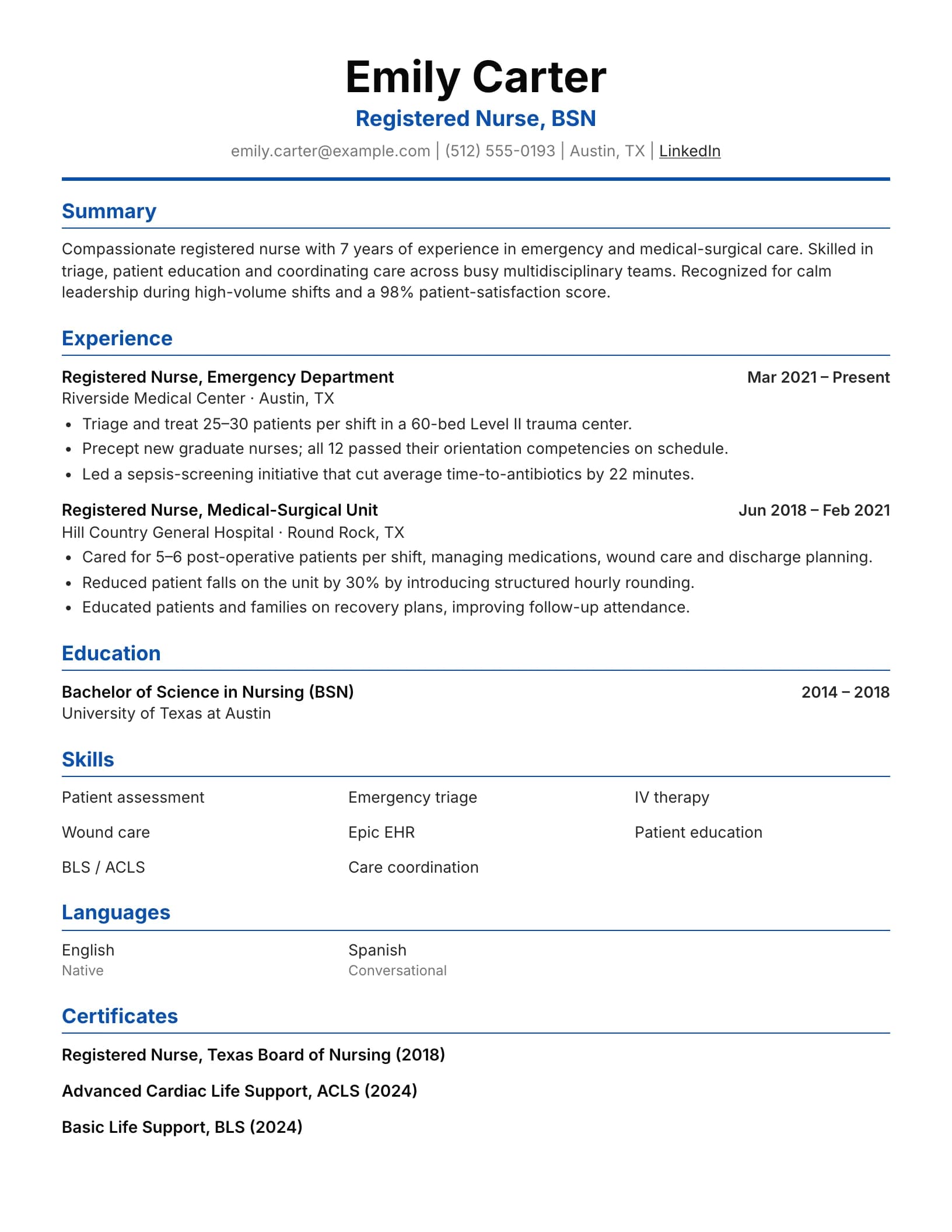 LedgerUse this template
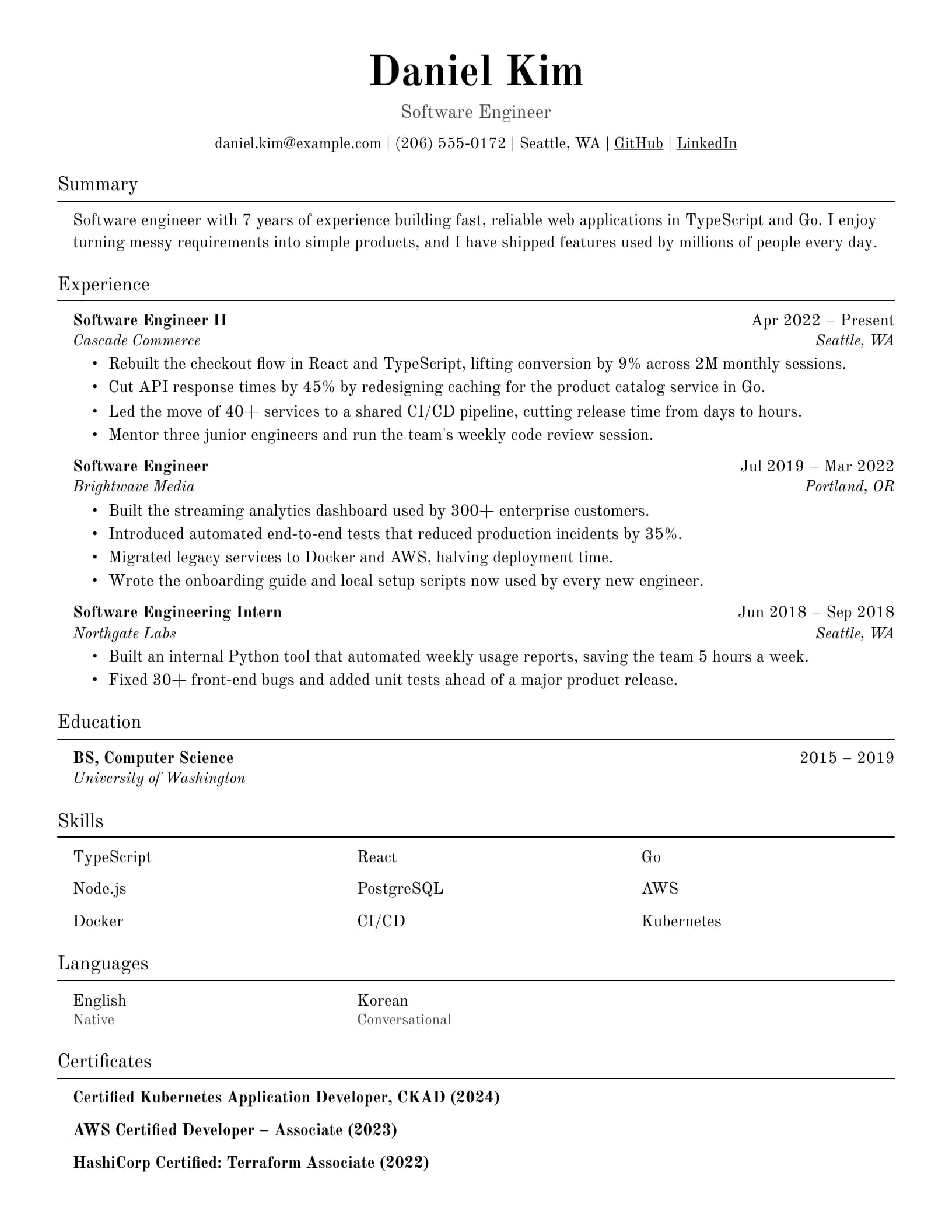 TypesetUse this template
 AxisUse this template
Step 2: Add your contact details
At the top of the page, give:
- your full name, in larger type
- your mobile number
- an email address with your name in it
- your town or city, with the first part of your postcode if you like
You do not need your full home address. Check the number and the email address twice, because one wrong digit means nobody can call you back.
Daniel Hughes
Leeds LS11, 07700 900123, daniel.hughes@example.com
Step 3: Write your personal statement
The personal statement, also called a profile, is a short paragraph under your contact details. In three or four lines it says who you are, what you are good at and what kind of job you want. It is the first thing an employer reads, so write it for the job in the advert.
Hard-working and reliable individual with good communication skills, looking for a new challenge in a company where I can develop.
Warehouse operative with four years of experience picking, packing and loading in a busy distribution centre. Trained and certified on counterbalance and reach trucks, with a record of accurate orders and no safety incidents. Looking for a permanent role on days or nights in the Leeds area.
The first could describe anyone. The second names a job, a length of time, a qualification and a result.
In the US this paragraph is called a resume summary. Our guide to writing a resume summary has a simple formula and more examples, and all of it works on a CV. If a blank box is the hard part, the AI writing help in DuckResume can draft a first version from a few notes. You check and edit every word.
Step 4: List your employment history
Start with your current or most recent job and work backwards. For each job give:
- your job title
- the employer's name and the town
- the dates, as month and year
- three to five bullet points on what you did and what you achieved
Start each bullet point with an action word such as delivered, served, trained or cleaned. Add a number wherever you can: how many customers, parcels, covers, rooms or residents. A number turns a duty into proof.
Responsible for deliveries and customer service.
Delivered 90 to 110 parcels a day on a multi-drop route across south Manchester, with a clean driving record for three years.
A full entry looks like this:
Care Assistant, Oakfield Care Home, Bristol. March 2021 to present.
- Support 14 residents with washing, dressing, meals and moving around on each shift
- Write care notes and report changes in health to the senior carer
- Trained three new starters in moving and handling
Give your most recent job the most space. Jobs from more than 10 to 15 years ago can be cut to one line each or left off.
If there is a long gap between jobs, say in one line what you were doing, such as caring for a relative or studying. An honest line is better than a hole in the dates. A gap of a few months needs no explanation.
Our guide to writing the work experience section goes deeper into this part.
Step 5: Add your education and qualifications
List your qualifications with the newest first. For each one give the name of the qualification, where you studied, the year and the grade or result.
- School results: you can sum up GCSEs in one line, such as "8 GCSEs at grades 9 to 4, including English and Maths". List A-levels by subject and grade. In Scotland, list your Nationals and Highers. In Ireland, list your Leaving Certificate.
- Vocational qualifications: NVQs, BTECs, T Levels, diplomas and apprenticeships, with the level.
- Job tickets and cards: for many hands-on jobs these matter more than school results. Examples are a Level 2 Food Hygiene certificate, a CSCS card, a forklift certificate, a first aid certificate, the Care Certificate and Driver CPC.
If you studied outside the UK, write the real name of the qualification and add the nearest UK level in a few words if you know it.
Once you have a few years of work behind you, this section can be short. An employer hiring an experienced cook cares more about your kitchens than your GCSEs.
Step 6: List your skills
Add a short skills section of six to ten items. Read the job advert, find the skills it asks for and list the ones you really have, in the advert's own words.
Mix two kinds:
- Job skills: equipment, vehicles, tills, software, languages and licences. For example: full UK driving licence, manual handling, allergen awareness, cash handling, stock rotation.
- People skills: only the ones you can back up with a line in your employment history, such as training new staff or calming an unhappy customer.
See our guide to skills for a resume for help choosing and wording them. It is written for US readers, but the advice is the same for a CV.
Step 7: Add interests and references only if they help
These sections are optional. Drop them when you need the space.
- Interests: include them if they show something useful, such as coaching a youth football team or volunteering at a food bank. A list such as "reading, music, socialising" tells the employer nothing.
- References: you do not need to list referees unless the advert asks for them. Employers usually ask later, often with a job offer, so ask two people now if they are willing. The line "References available on request" is optional.
- Other extras: languages you speak, volunteering, a driving licence, and awards at work.
Step 8: Leave off your photo, date of birth and marital status
Employers in the UK and Ireland do not expect any of these on a CV:
- a photo
- your date of birth or age
- your marital status, or whether you have children
- your nationality, religion or gender
- your National Insurance number
None of them shows how well you can do the job. The National Careers Service, the government's careers service for England, tells job seekers not to include their age, date of birth, marital status or nationality. Government guidance for employers also says they must not ask candidates whether they are married or have children.
Customs differ in other countries. A photo is common in Germany, France and Spain, for example. Our post on what to include in a CV has a table by country and a fuller list of what to leave out.
Step 9: Match your CV to the job advert
Do not send the same CV to every employer. For each application:
- Read the advert and mark the skills, experience and qualifications it asks for.
- Make sure your personal statement mentions the two or three most important ones that you have.
- Move the most relevant bullet points to the top of each job.
- Use the advert's words where they are true for you. If it says "multi-drop", do not write "many stops". Many employers and agencies search CVs for those words.
- Cut anything that does not help with this job.
Keep one long master CV with every job, course and achievement on it. For each application, make a copy and cut it down to the two pages that fit that advert. It is quicker than starting again, and nothing gets forgotten.
Step 10: Check your CV for mistakes
Before you send anything:
- Read the CV out loud, slowly. You hear mistakes that your eyes skip.
- Set the spell-checker to UK English, then check the names of employers and places yourself.
- Check every date, and that the jobs run in order with the newest first.
- Check your mobile number and email address one more time.
- Make sure every heading looks the same and every bullet point starts the same way.
- Ask someone else to read it. Fresh eyes catch what you miss.
Check that every line is true as well. Employers check dates, qualifications and licences, and an interviewer can ask about anything on the page.
Step 11: Save your CV as a PDF
Send your CV as a PDF unless the advert asks for another format. A PDF looks the same on every phone, computer and printer, so your layout stays where you put it.
Give the file a clear name, such as Daniel-Hughes-CV.pdf. Then open the PDF once before you send it. Check that it is no more than two pages, that nothing is cut off, and that you can select the words with your cursor. A CV saved as a picture cannot be read by the software many employers use to sort applications.
In DuckResume the PDF download is free and has no watermark, and the file contains real, selectable text in reading order.
Writing a CV for the US or Canada
In the United States and Canada the same document is called a resume. It is usually one page, two at most, on US Letter paper, with US spelling. If you are applying there, follow our guide on how to write a resume instead.
In Australia and New Zealand both words are used, and two to three pages is normal.
CV examples for hands-on jobs
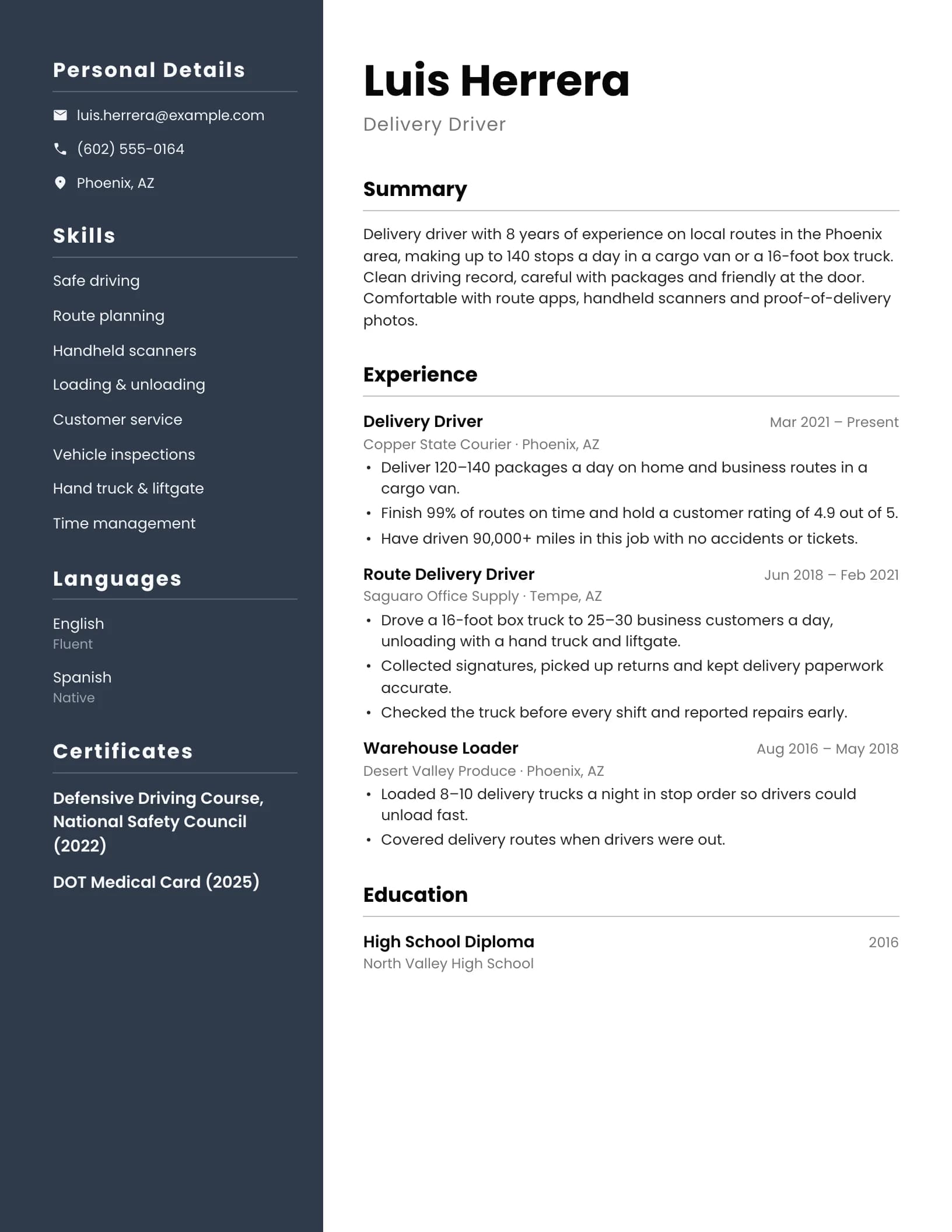
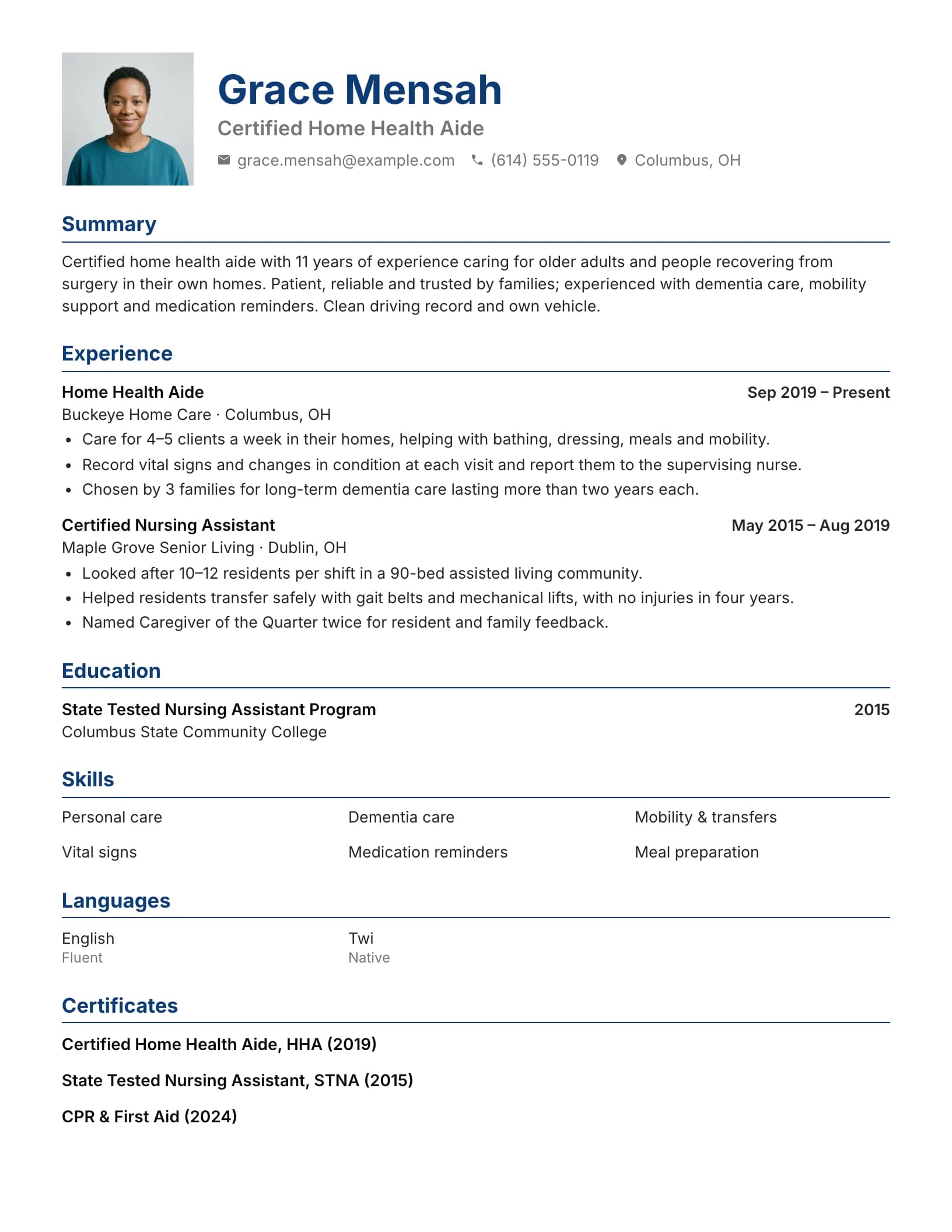
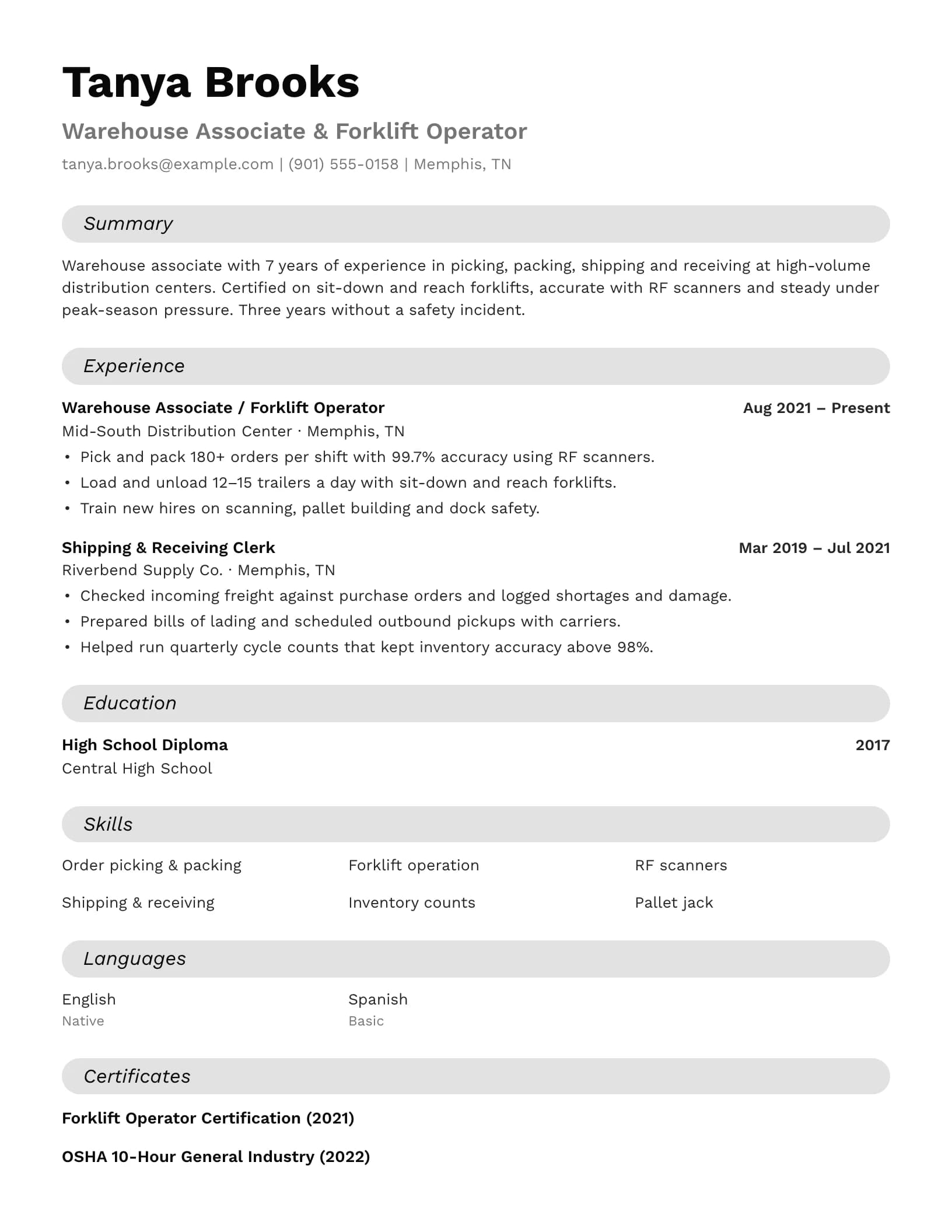
It is easier to write your own CV with a finished one beside you. Our resume examples cover drivers, carers, cooks, warehouse staff and many other jobs. They are written as US resumes, on US Letter paper and with US spelling, but the job lines and skills carry over to a UK CV.
If you already have a CV as a PDF or Word file, you can import it into DuckResume and edit it there without retyping.