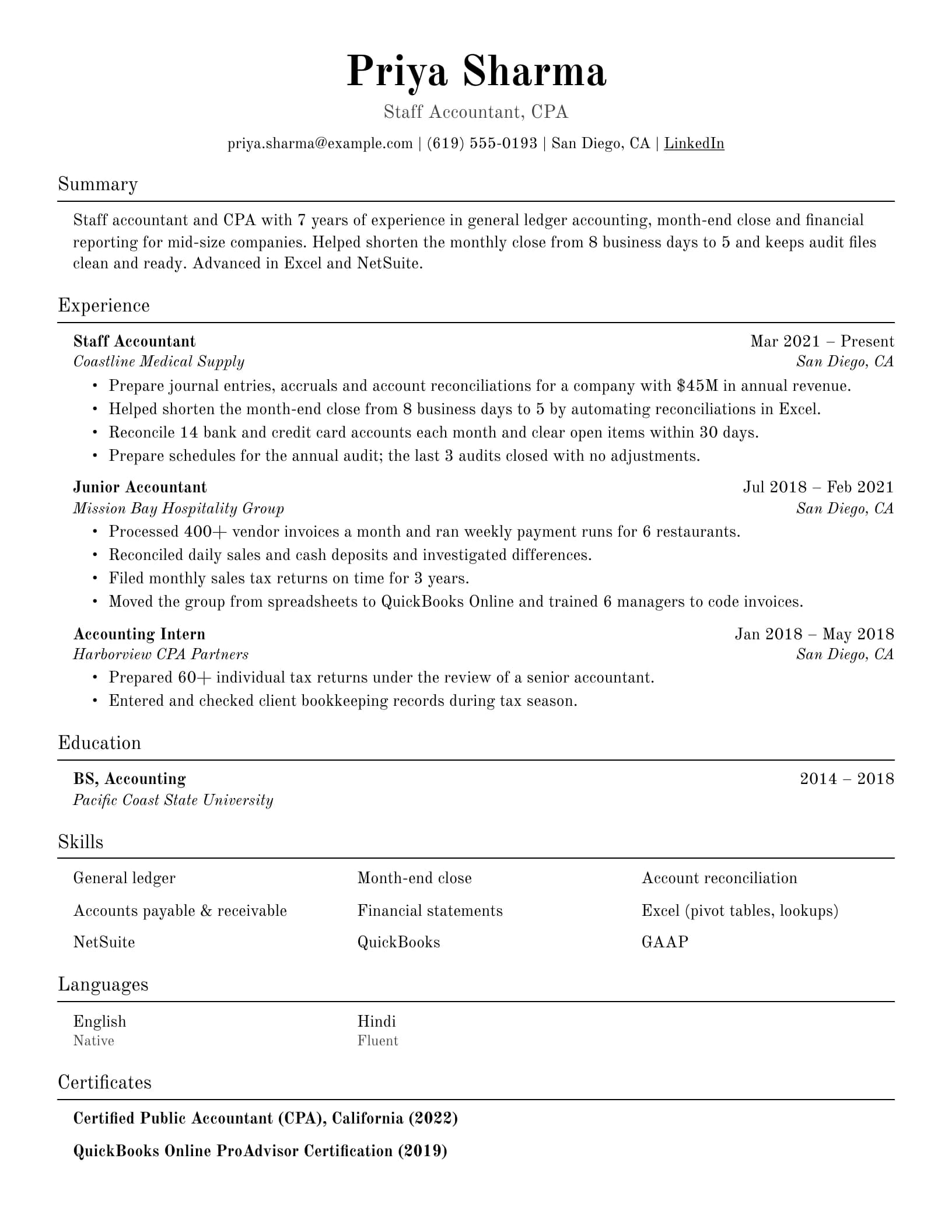
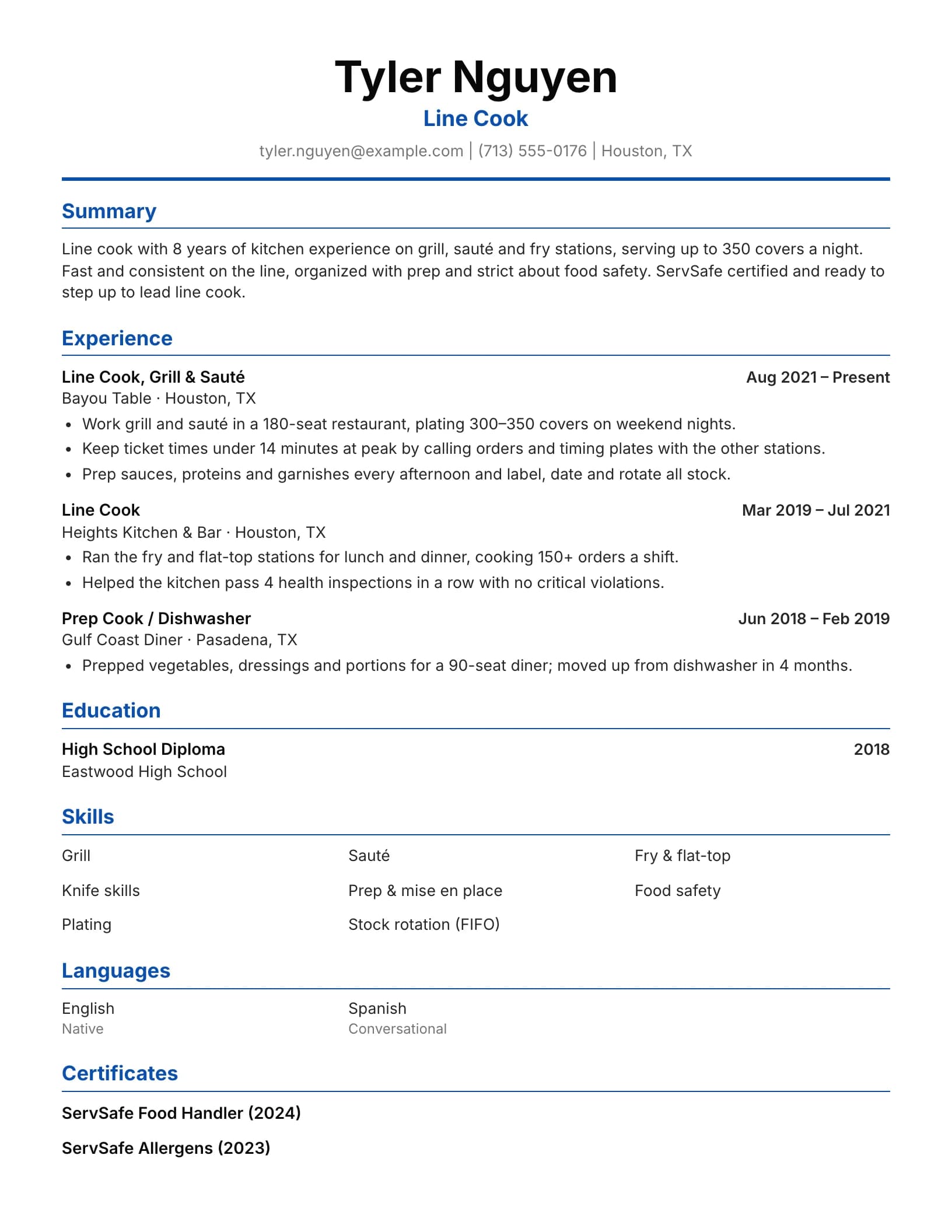
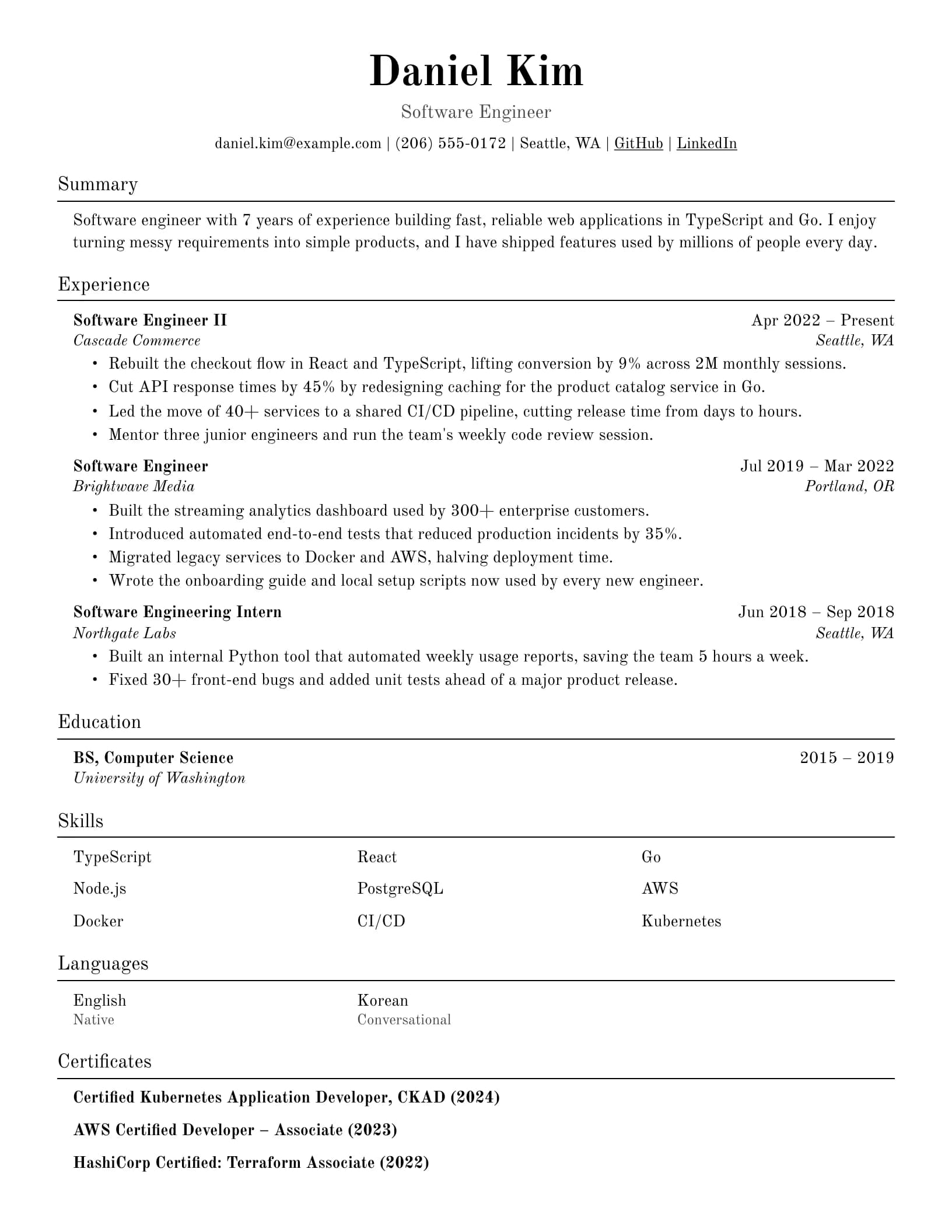
An ATS-friendly resume is a resume that hiring software can read correctly. It is made of real text, uses standard section headings and has a simple structure, so your name, jobs, dates and skills end up in the right place. You do not need tricks or a special design to make one.
On this page · 8 sections
What is an applicant tracking system?
An applicant tracking system, or ATS, is software that employers use to collect and manage job applications. When you apply through a company's careers page, your application often goes into one. In plain words, it does five things:
- It stores applications. Every resume for a job is kept in one place.
- It reads your resume. The software pulls out details such as your name, phone number, job titles, employers, dates, education and skills, and puts them into a profile. This step is called parsing.
- It lets recruiters search and filter. A recruiter can type "forklift" or "CDL" and see the applicants whose resumes contain that word, or filter by things such as location.
- It asks screening questions. Some employers add questions to the form, such as "Do you have a valid driver's license?" or "Can you work weekends?"
- It tracks each step. It records who has applied, who is being interviewed and who has an offer, and it sends messages to applicants.
Some systems can also rank applicants against the job description. Employers differ in whether and how they use that.
Large employers such as retail chains, warehouses, delivery companies and hospitals often take applications this way. A small local business may simply read the resume you email or hand over. The same clean resume works for both.
ATS myths and what is actually known
A lot of scary advice about these systems gets passed around. Here is what holds up.
| Myth | What is actually known |
|---|---|
| A robot rejects most resumes before a person sees them | No reliable figure supports this. The systems store and sort applications, and recruiters search and filter them. Some employers set screening questions that can rule an application out, such as one about a required license. |
| You need a special resume just for the ATS | A clear resume with real text and normal headings works for software and for people. |
| An ATS cannot read a PDF | Current systems generally read a PDF made of real text. The problem is a scan or a photo of a page, which is a picture with no text in it. |
| Repeating keywords, or hiding them in white text, gets you through | Recruiters search for real skills and job titles, so the ad's words help when they are true of you. Hidden text can show up when the system turns your resume into plain text, and a person reads it in the end. |
| Every system works the same way | There are many different products, and each employer sets its own up differently. Nobody can honestly promise that a resume will pass them all. |
| A score from an online checker tells you if you will pass | A checker's score is that tool's own estimate. Employers' systems do not share one score. |
So why does it sometimes feel as if nobody read your application? A popular job can bring in hundreds of applications. A recruiter may not open every one, and may search and filter to find the people who match. A resume that software reads badly, or that lacks the words a recruiter searches for, is harder to find. That is the real reason to make yours easy to read.
How to make an ATS-friendly resume
Seven things make a resume easy for software to read.
- Real text. The words in your file must be text you can select and copy. A photo or a scan of a printed resume, or a design saved as a picture, has no text for software to read.
- Standard section headings. Use the plain names every recruiter expects, such as Summary, Work Experience or Professional Experience, Education, Skills and Certificates. A clever heading such as "My Journey" may not be recognized as your work history.
- A simple structure. For every job, give the job title, the employer, the place and the dates, in the same order each time. Put what you did in short bullet points below.
- Plain dates. Write dates the same way everywhere, such as "March 2021 to June 2024" or "03/2021 to 06/2024".
- Common fonts. Pick a plain, widely used font. Decorative fonts are harder for people to read and more likely to cause trouble when software pulls the text out of the file.
- The file type the ad asks for. If the ad says PDF, send a PDF. If it says Word, send a Word file. If it says nothing, a PDF made of real text is a sound choice.
- No words inside images. Software reads text, not pictures, so words inside a photo, a logo or a chart are usually lost. Your name, contact details and skills must be typed as text.
Our guide to resume format covers margins, fonts and page length in more detail. If you are starting from a blank page, read how to write a resume first.
How to use keywords from the job ad
Recruiters often find people by searching. They type a job title, a skill, a tool or a license and look at the resumes that contain it. If the ad says "forklift operator" and your resume says "lift truck driver", a search for "forklift" can miss you.
So read the ad carefully:
- Mark the job title, skills, tools and licenses it names.
- Cross out any that are not true of you.
- Use the ad's exact words for the rest, in your summary, your skills section and the job entries where you used them.
- Write short forms both ways the first time: Commercial Driver's License (CDL), Certified Nursing Assistant (CNA).
Suppose a warehouse ad asks for a forklift operator who can use an RF scanner and pick orders.
Skills: forklift, forklift operator, forklift driver, forklift certified, forklift experience, warehouse, warehouse worker, warehouse associate, RF scanner, scanning
Forklift operator with three years in a busy distribution center. Picked 150 orders a shift with an RF scanner and loaded outbound trailers with a sit-down forklift. Forklift certified since 2022.
The second version contains the same search words, and it also tells a person what you did. Never add a skill you do not have. An interview or a first shift will show it. For help choosing what to list, see our guide to resume skills.
Are two-column resumes ATS-friendly?
They can be. The number of columns is not the problem. How the file was built is.
Software reads the text in the order it is stored in the file, and that is not always the order you see on the page. In a well-built two-column resume, each column's text is stored in order, so it reads correctly. In a badly built one, lines from the left and right columns can be mixed together, or a block of text can come out in the wrong place.
You cannot tell which kind you have by looking at the page. The test in the next section shows you. If you cannot test a file, one column is the safer choice.
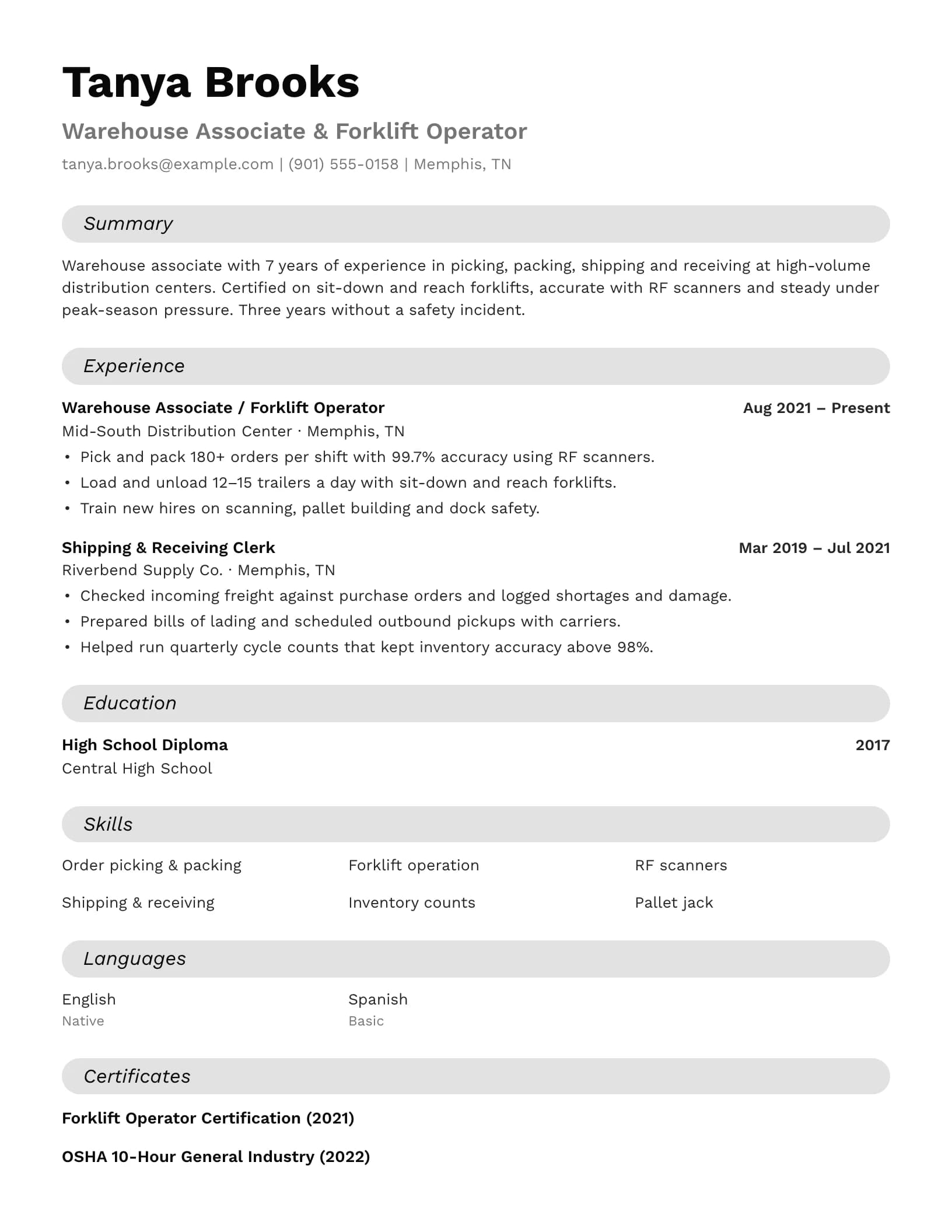
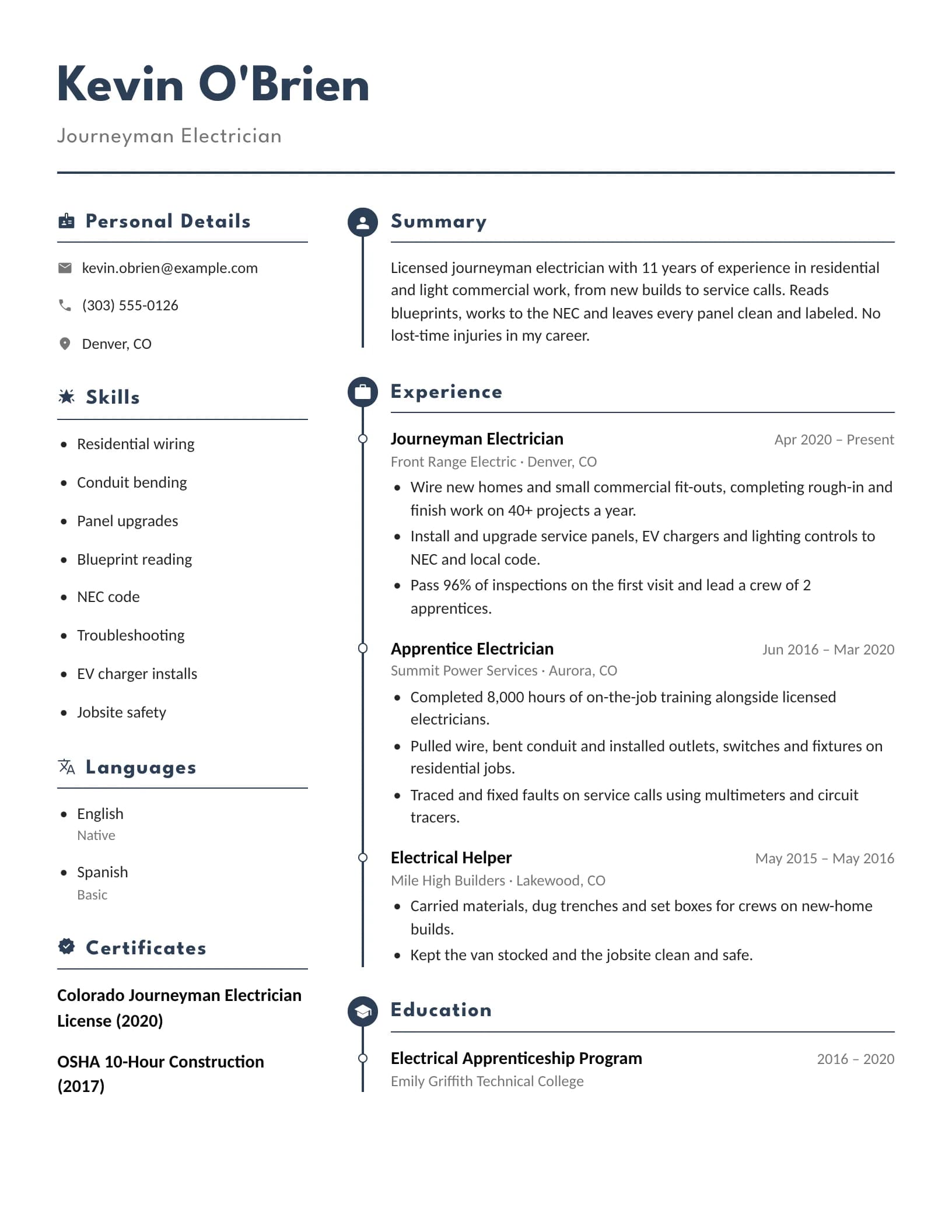
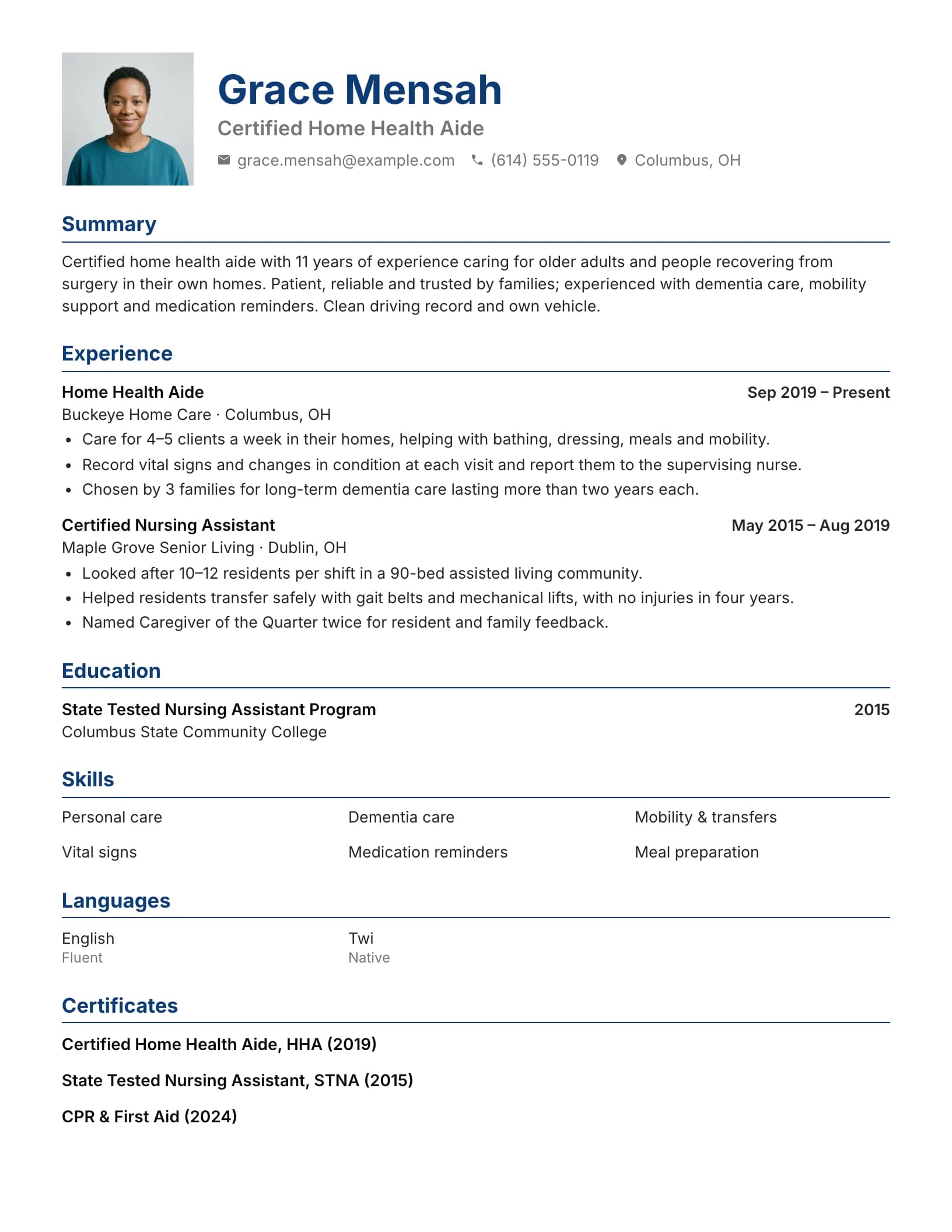
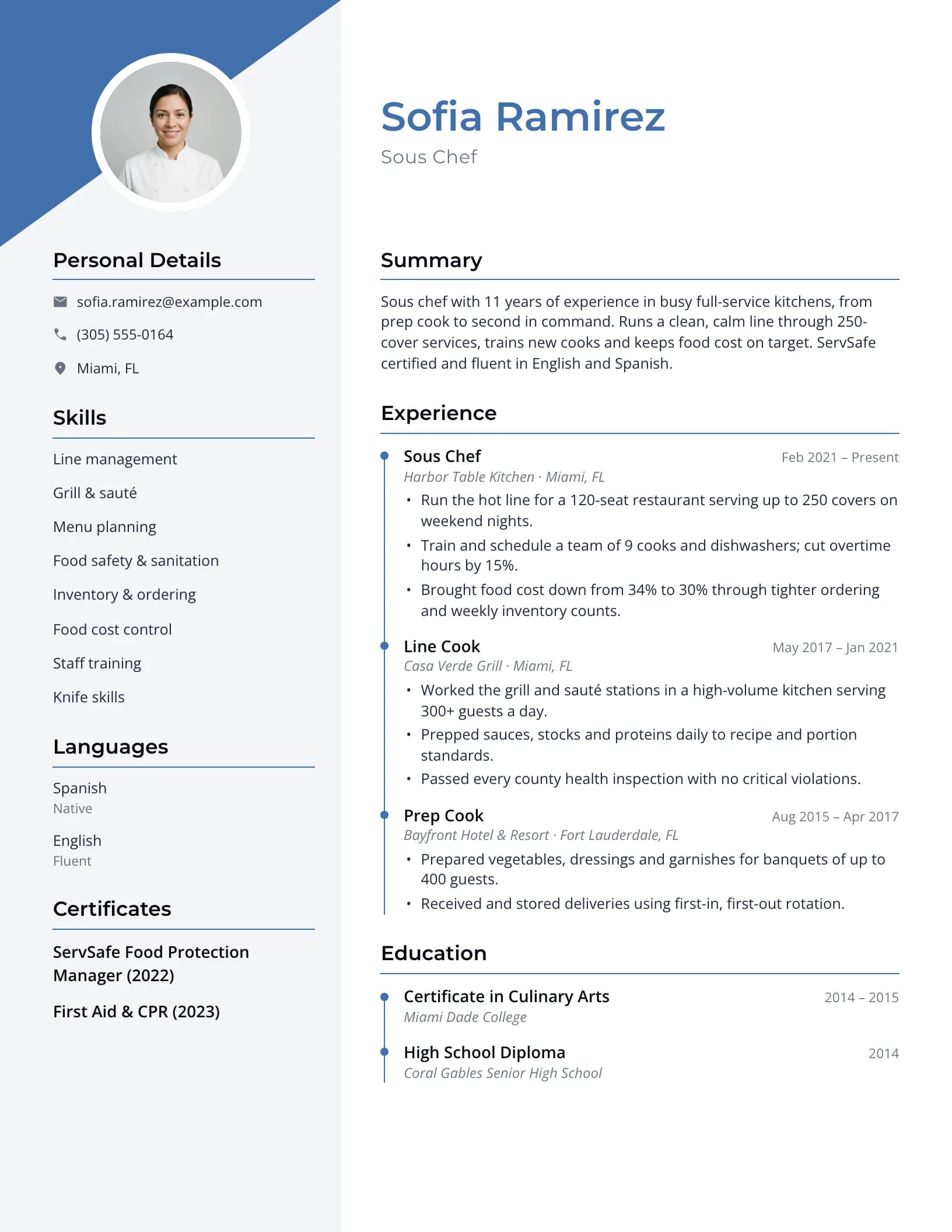
Every DuckResume template gives you a PDF with real, selectable text, and the two-column templates keep the text in reading order too. Of the three below, Typeset and Ledger have one column and Vertex has two.
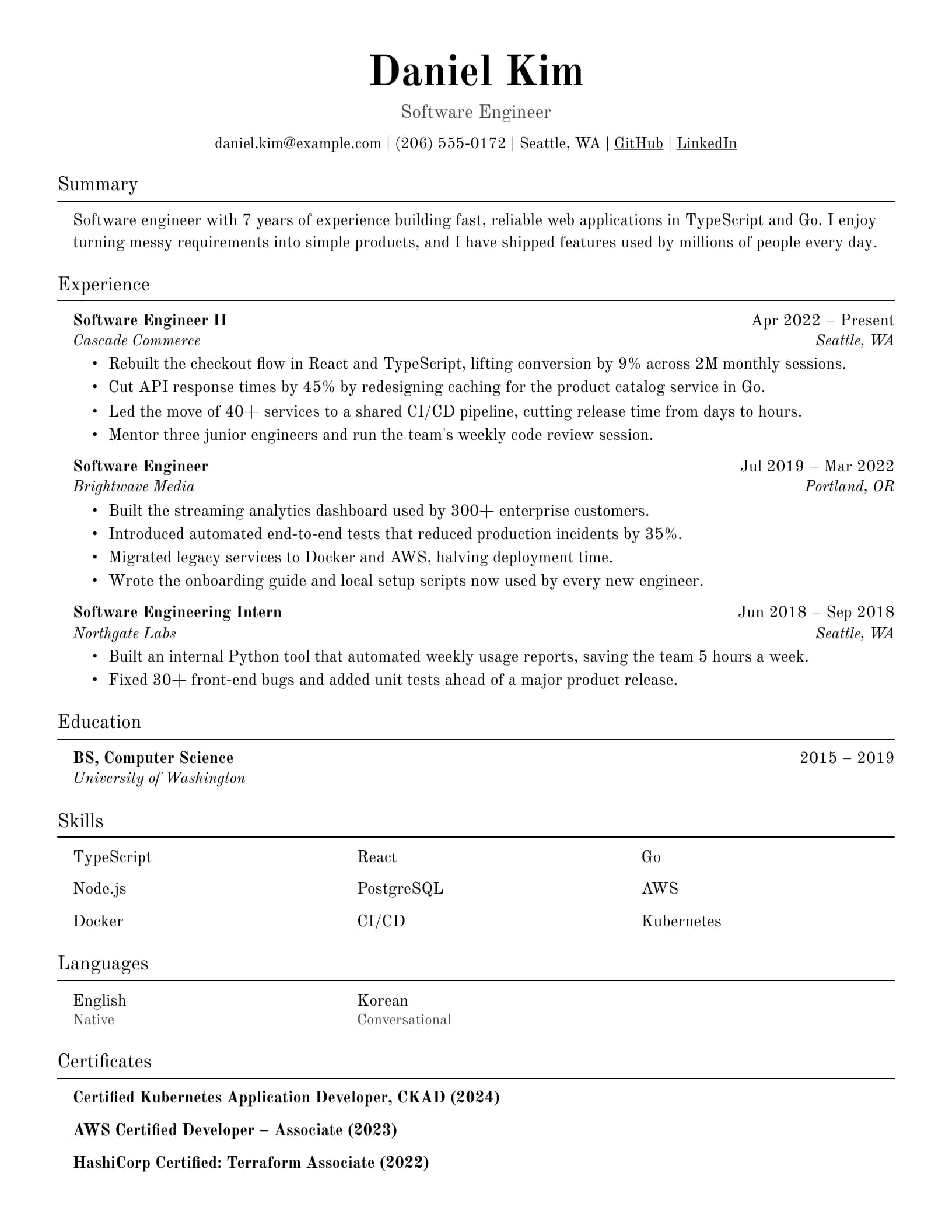 TypesetUse this template
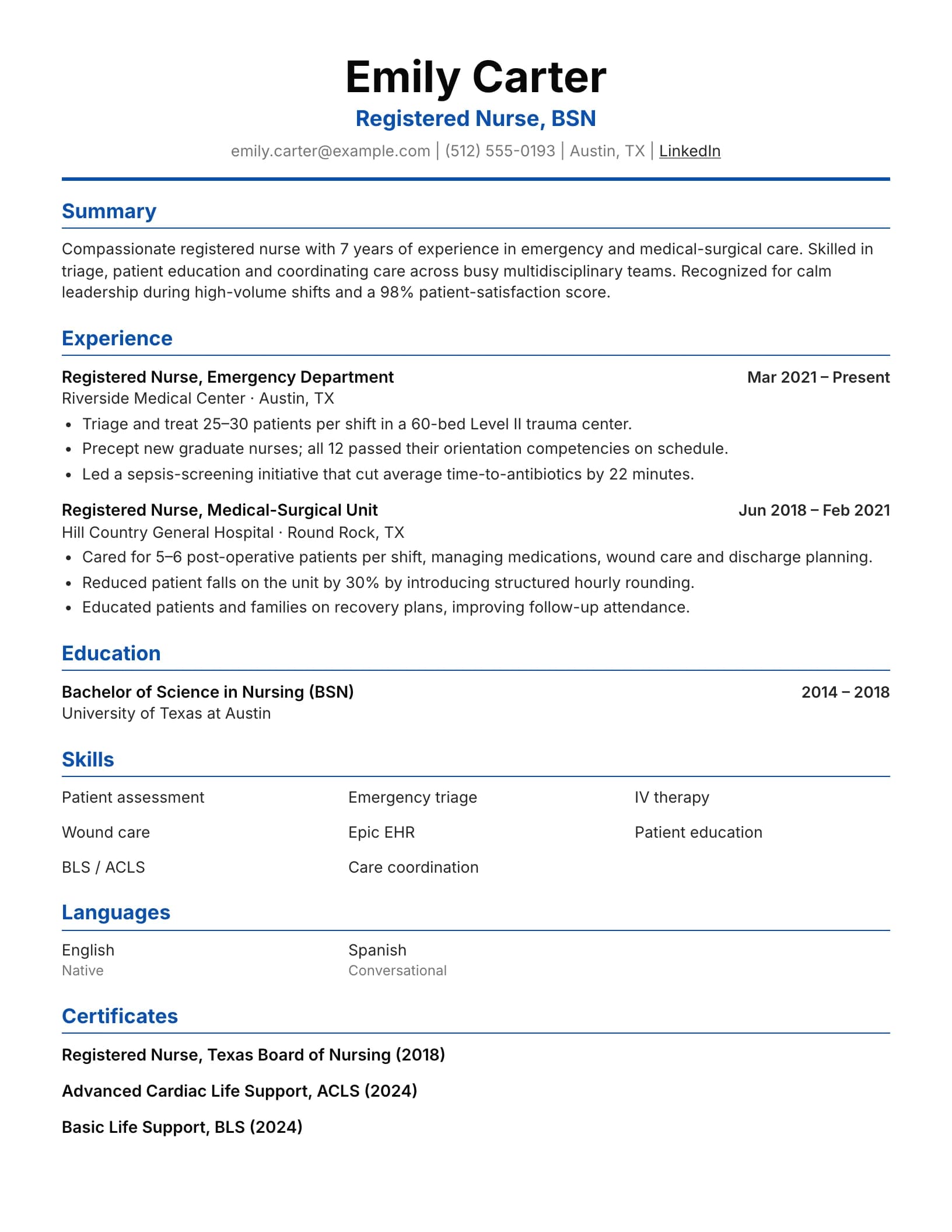 LedgerUse this template
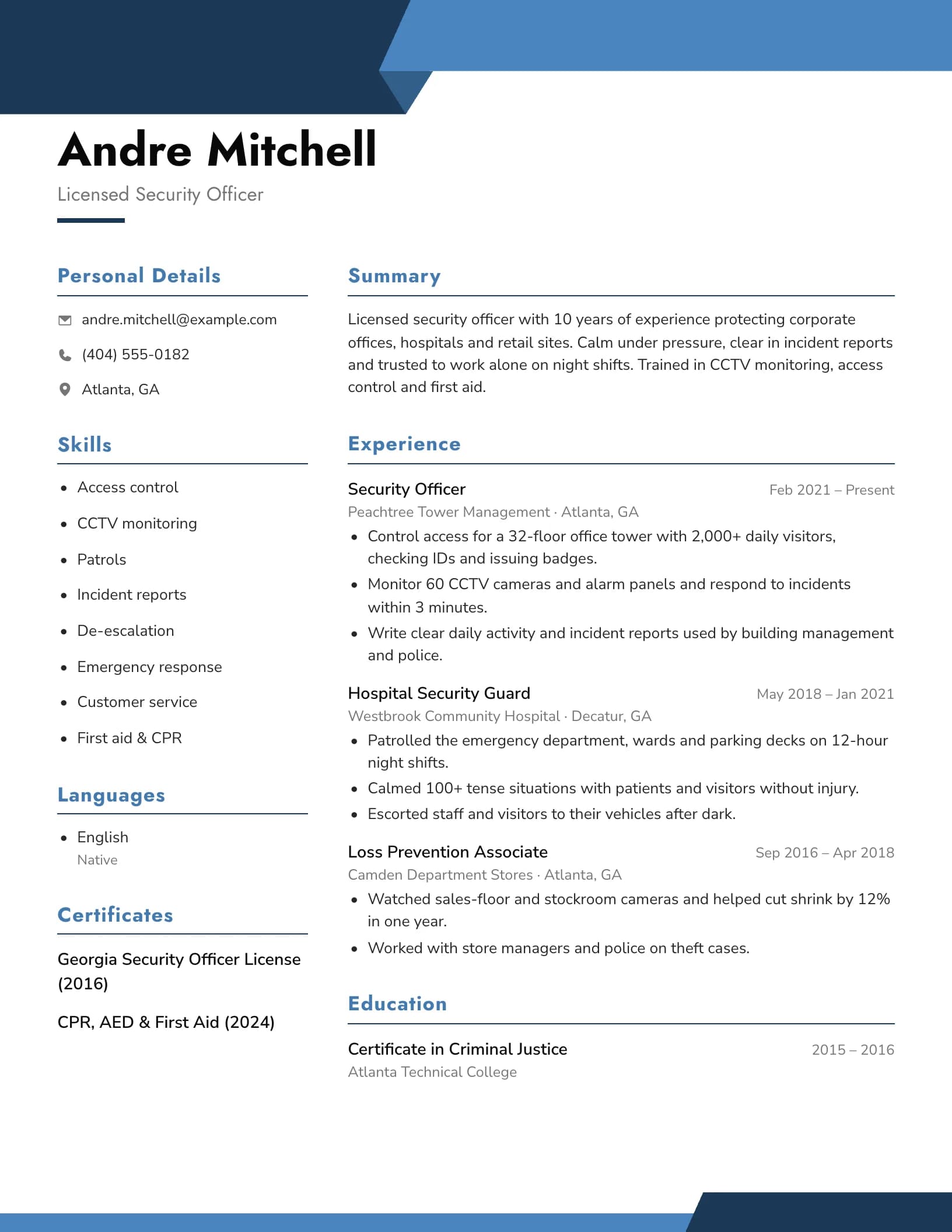 VertexUse this template
No template can promise to pass every system, so run the test on any resume you send, ours included.
How to check if your resume is ATS-friendly
You can test a resume yourself with a plain text editor. It takes two minutes and shows you roughly what software sees.
- Open the file you plan to send, for example your PDF.
- Select all the text with Ctrl+A on Windows or Command+A on a Mac, then copy it.
- Open a plain text editor. On Windows use Notepad. On a Mac use TextEdit and choose Format, then Make Plain Text.
- Paste, and read what comes out from top to bottom.
Check four things:
- Is everything there? Look for your name, phone number, email address and every job.
- Is it in the order you would read it? Each job title should sit with its own employer, dates and bullet points.
- Are the headings on their own lines? Skills should not appear in the middle of a job.
- Are the letters right? Watch for odd symbols, missing letters or words that have run together.
Delivery Driver SKILLS Harbor Parcel Service
Route planning 2021 to present Clean driving record
Delivered 120 parcels a day Pallet jack
Delivery Driver, Harbor Parcel Service, 2021 to present
Delivered 120 parcels a day on a 40-stop route.
SKILLS
Route planning, clean driving record, pallet jack
If you cannot select any text at all, the file is a picture. If the pasted text is jumbled, the file was built badly. Either way, make the resume again in a tool that gives you real text in reading order. You may not have to retype it: DuckResume can import an existing resume from a PDF or Word file. Check the details it brings in, then download a new PDF.
The test has a limit. It shows what a simple text reader gets from your file, and each employer's system is a little different. Treat a clean result as a good sign, not a promise.
Many application forms fill in their boxes from the resume you upload. Read every box before you submit. If your job title has landed in the employer box, or a date is wrong, fix it by hand. Those boxes show what the system took from your file.
ATS-friendly resume checklist
- You can select and copy the text in the file.
- Pasted into a plain text editor, everything is there and in the right order.
- The section headings are plain and standard, such as Work Experience, Education and Skills.
- Every job has a title, an employer, a place and dates, written the same way each time.
- The job title, skills and licenses from the ad appear where they are true of you.
- No words sit inside a picture, a logo or a chart.
- The file type is the one the ad asks for, and the file is named after you.
- You answered the screening questions truthfully and checked the boxes the form filled in.
You do not need to pay for a special ATS resume. Our guide on how to make a resume for free takes you from a blank page to a finished PDF, and the resume examples show finished resumes for jobs from truck driver to nurse.