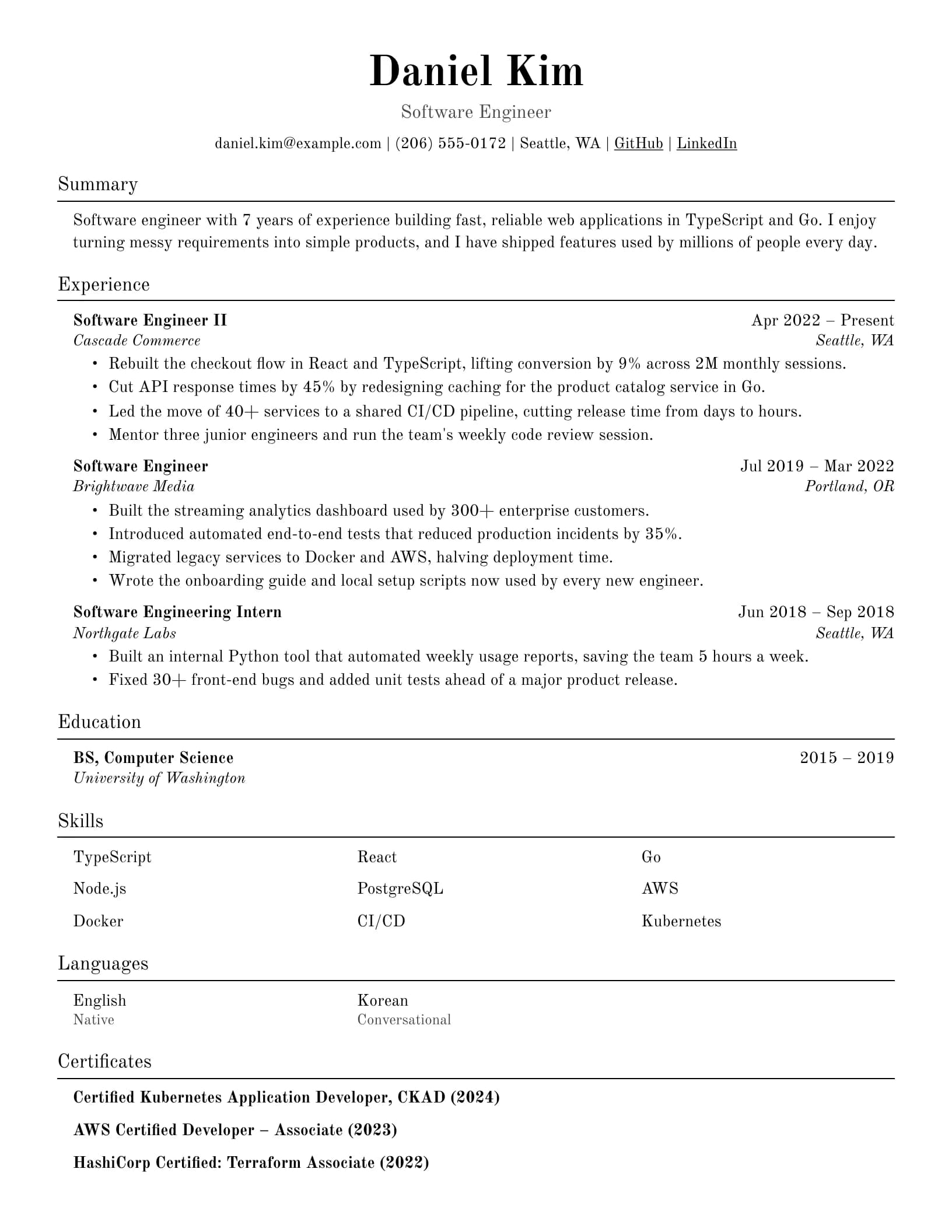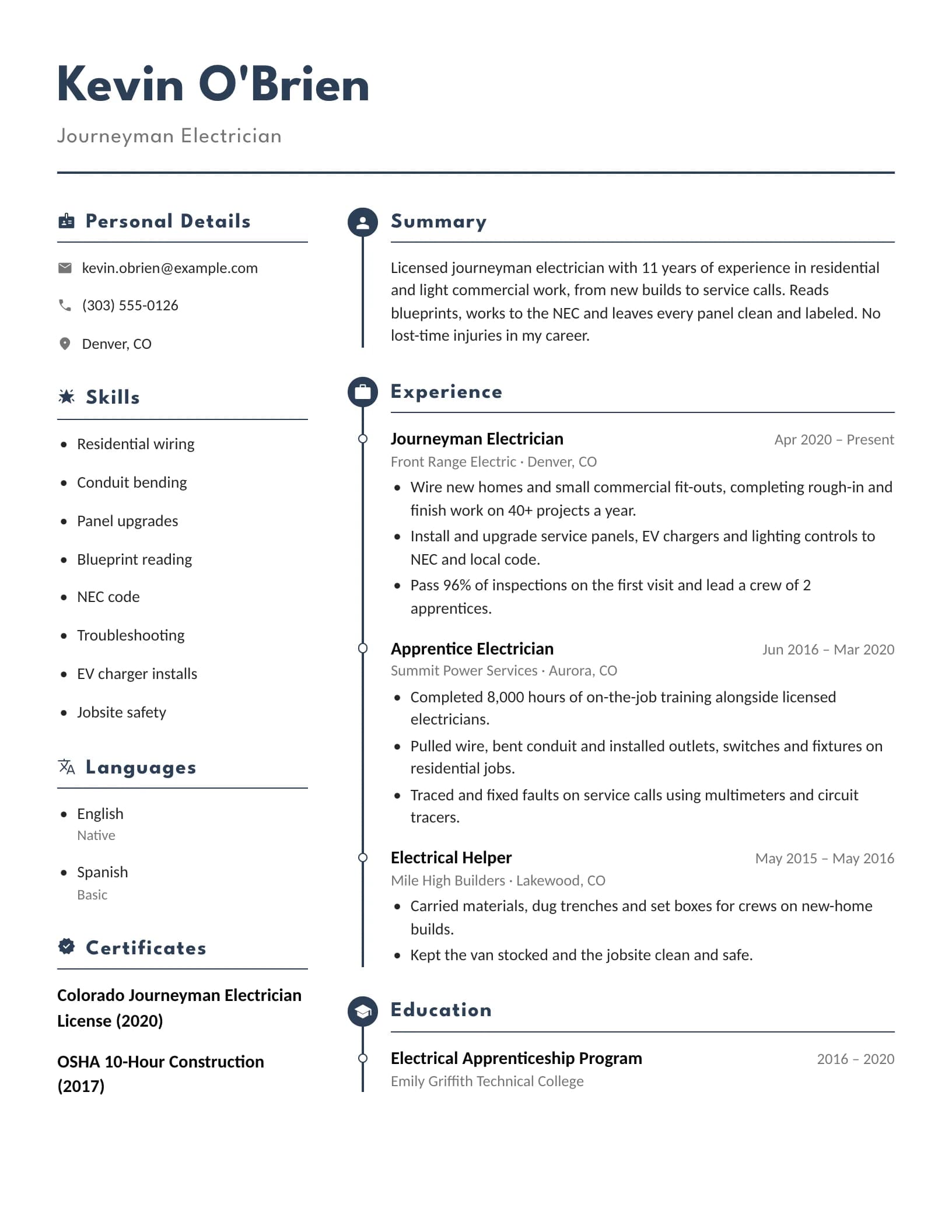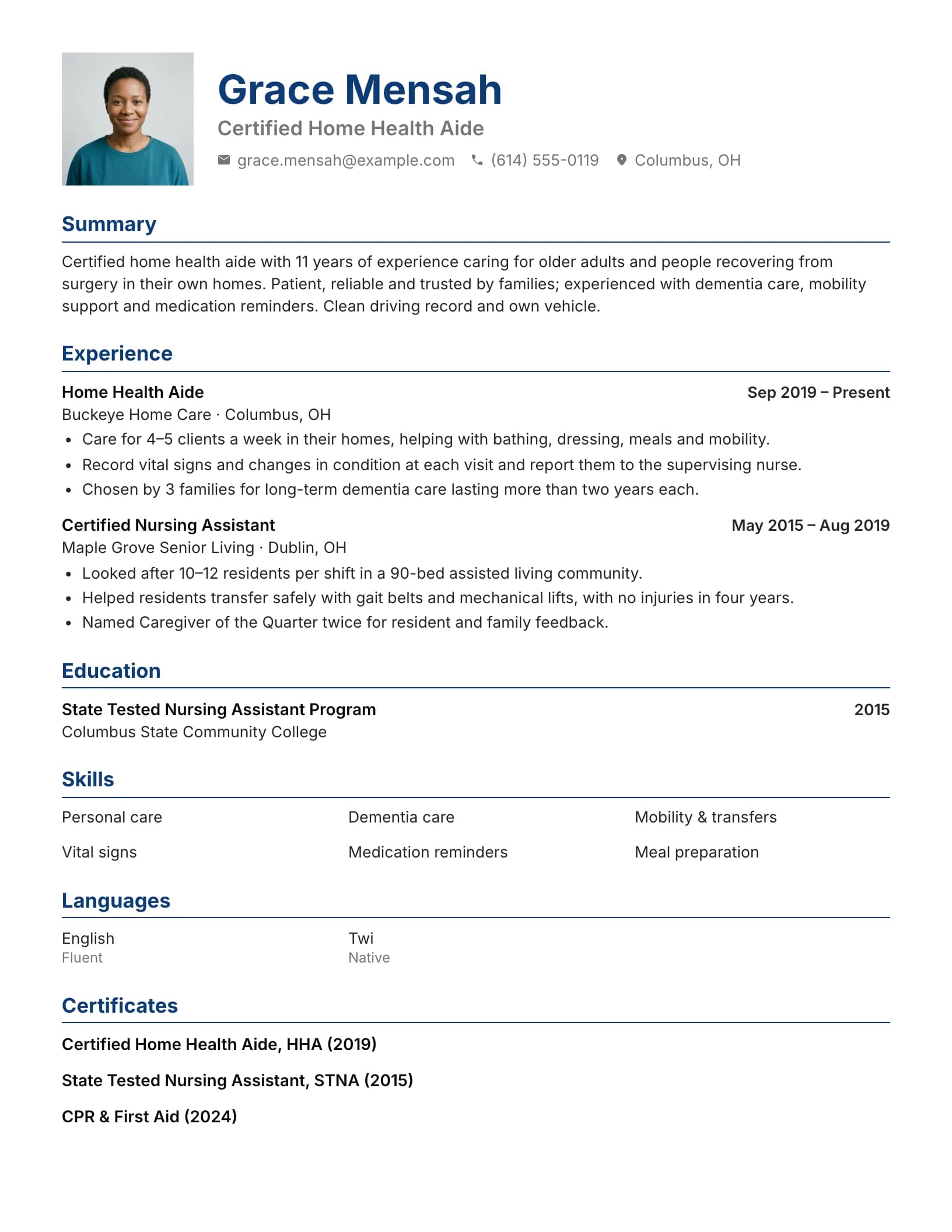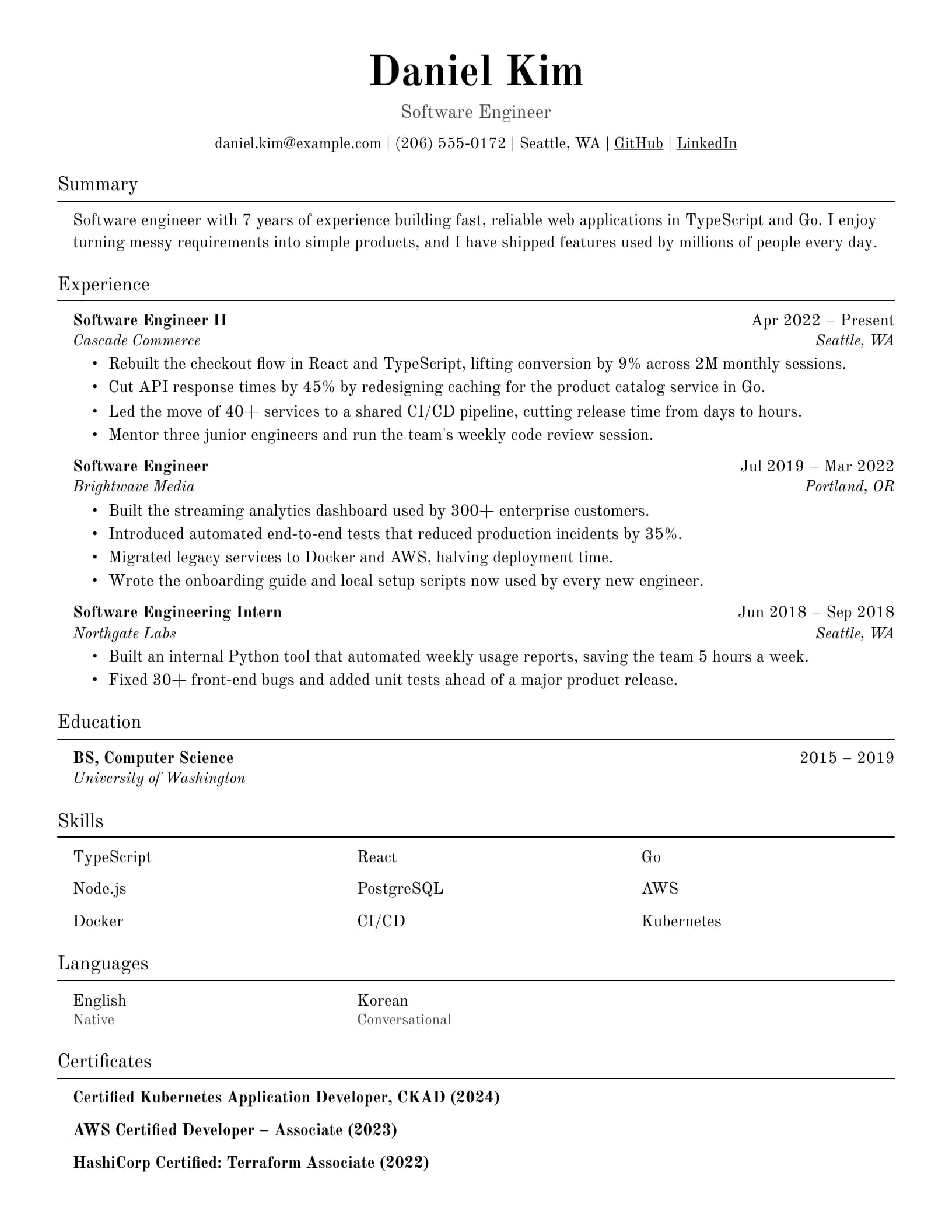
You can make a resume for free in three ways: with a free online resume builder, in Google Docs or in Microsoft Word. All three work on a computer or a phone, and all three can give you a PDF to send to employers.
The catch is that "free" does not always mean free to the end. This guide compares the free options, shows what to check before you start typing, and gives the steps to finish a resume in about ten minutes.
On this page · 7 sections
The free ways to make a resume
| Way | What you need | Good for | Watch out for |
|---|---|---|---|
| Free online resume builder | A web browser | A finished layout fast, on any device | Some ask for payment at the download step |
| Google Docs | A free Google account | Full control of the page | You fix spacing and alignment by hand |
| Microsoft Word | A free Microsoft account for the web version | People who already know Word | The desktop program usually needs a paid plan |
A free online resume builder
A builder gives you boxes to fill in: your name, your jobs, your skills. It lays out the page for you, so you never have to fix margins, fonts or spacing. For most people this is the fastest way, and the easiest on a phone. The one risk is a builder that turns out not to be free. The checks further down will catch that.
Google Docs
Google Docs is free with a Google account. Open it in your browser, open the template gallery and choose one of the resume templates. Then replace the sample text with your own.
You control every line, which also means you fix every line. When you add a job, the spacing below it may move, and you have to set it right by hand. A plain template is easier to keep tidy than a decorated one.
Microsoft Word
The web version of Word is free with a Microsoft account. The desktop program usually needs a paid plan. Word has resume templates too. Look for them when you start a new document.
The trade-off is the same as with Google Docs: full control, and more work by hand. A Word file can also look different on a computer that does not have the same fonts. Send a PDF, not the Word file, unless the employer asks for Word.
How to make a resume on your phone for free
You do not need a computer. There are two ways to make a resume on a phone.
- A resume builder in your phone's browser. There is nothing to install. You fill in one box at a time, which suits a small screen. DuckResume works this way on a phone, a tablet or a computer.
- The Google Docs or Word app. Both are free to install and use the same free accounts. Moving text around a full page with your thumbs is slow, so start from a template and change as little of the layout as you can.
Whichever you choose, three habits help on a phone:
- Collect your job titles, employer names and dates before you start, so you are not jumping between apps.
- When you finish, open the PDF and zoom in on every section. Mistakes hide on a small screen.
- Send the PDF to your own email address, so you can find it again when a job site asks you to upload it.
What to check before you use a free resume builder
Some resume builders are free to try but not free to finish. That is their choice to make. The problem comes when you find out after an hour of typing. Check four things before you start.
- Is the download free? Some builders let you write the whole resume and ask for payment when you press Download. Look for a pricing page first. If there is one, read what the free plan includes.
- Is there a watermark? A free download may carry the builder's name or logo on the page. Some free plans give you only a plain text file with no layout.
- Is it a trial that renews? A low-cost trial of a few days can turn into a monthly charge if you do not cancel in time. Read the terms before you enter card details. The US Federal Trade Commission's advice on free trials suggests marking your calendar so you remember to cancel before the trial ends. Your rights when you cancel differ by country.
- Do you have to sign up? Some builders ask for an email address and a password before you can see or download your resume. An account lets you come back to your work from another device. It also means your details are kept on the company's servers.
Test a builder for two minutes before you give it an hour. Type only your name, then press Download. If a clean PDF arrives with no payment page, no watermark and no sign-up form, carry on.
DuckResume is free from start to finish. There is no sign-up, no watermark and no charge for the PDF, however many times you download it. Ads on the site pay for it. Your resume is saved in your browser on your own device, not on our servers. That also means clearing your browser data removes it, so keep a PDF copy when you are done.
How to make a resume in about ten minutes
Ten minutes is realistic if you have your details ready: job titles, employer names, start and end dates, your school and any certificates. Then follow these steps.
- Pick a template. Choose a clean design with clear headings. You can switch template later without retyping.
- Add your contact details. Your name, phone number, email address and city.
- Add your work experience. Start with your newest job. For each one, give the job title, the employer, the dates and two or three lines on what you did.
- Add your education. The school or college, what you earned and the year.
- List your skills. Six to ten that fit the job you want.
- Add certificates, licenses and languages. A driver's license, a forklift certificate, a food handler card or a second language can matter as much as a past job.
- Write a short summary. Two or three sentences at the top on who you are and what you are good at. It is easier to write once the rest is done.
- Read it through and download the PDF.
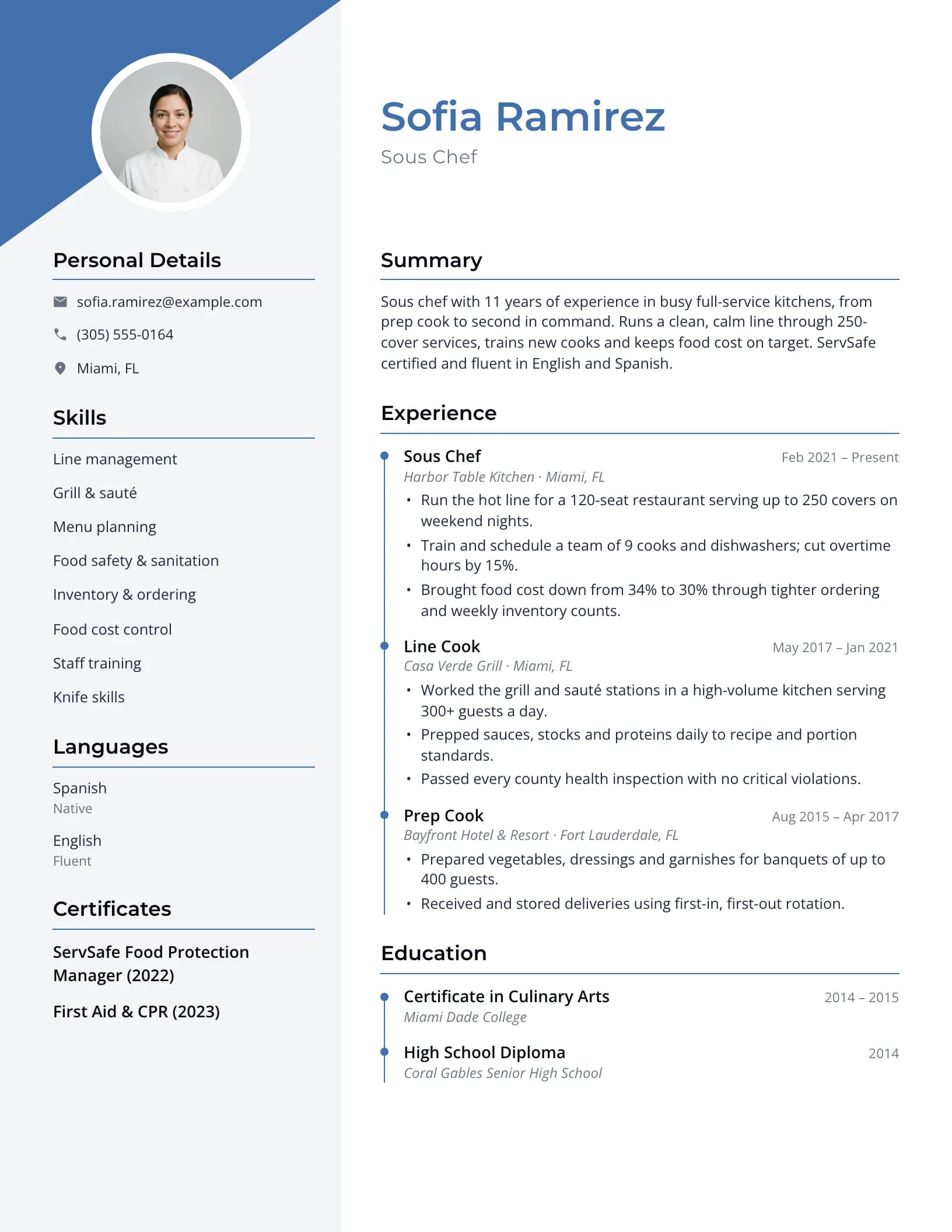
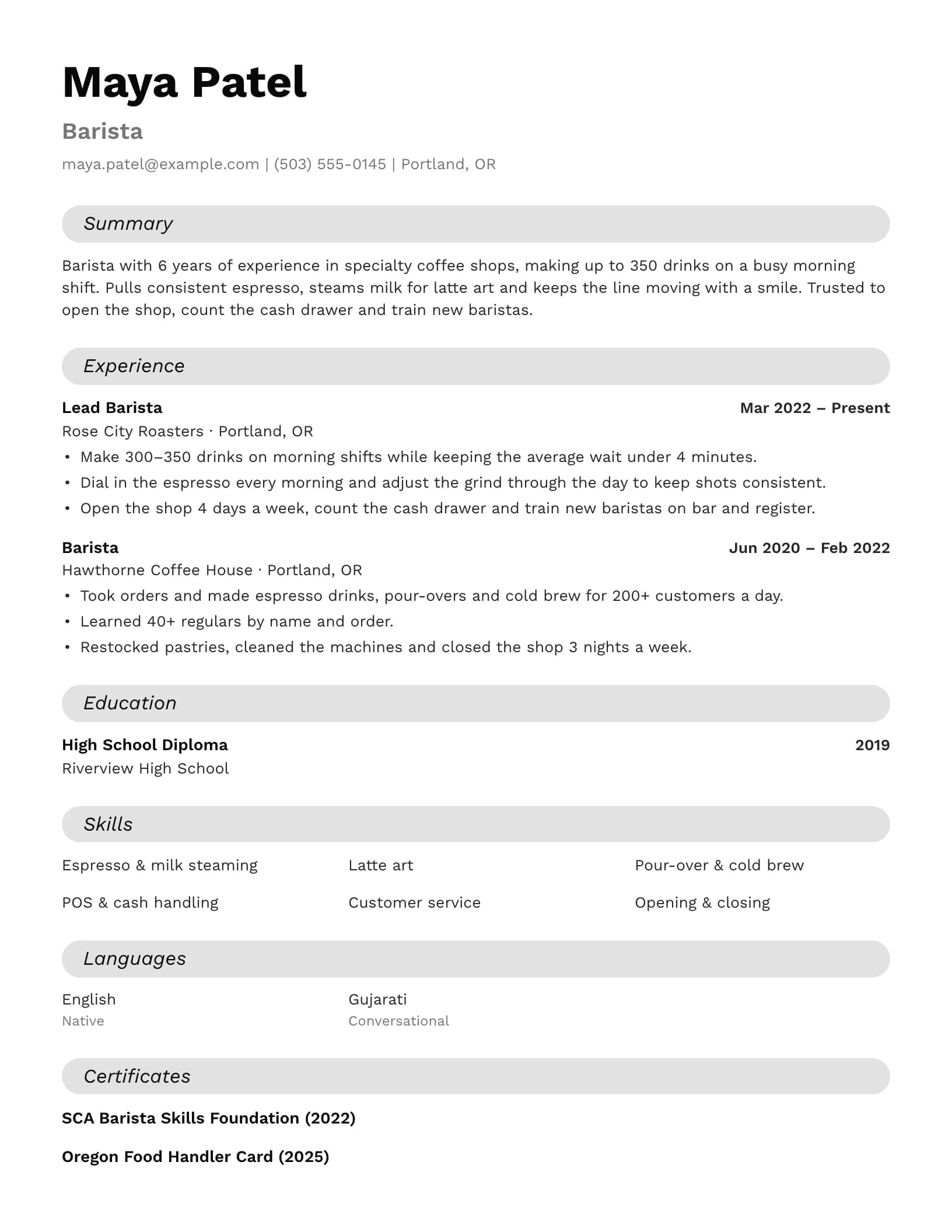
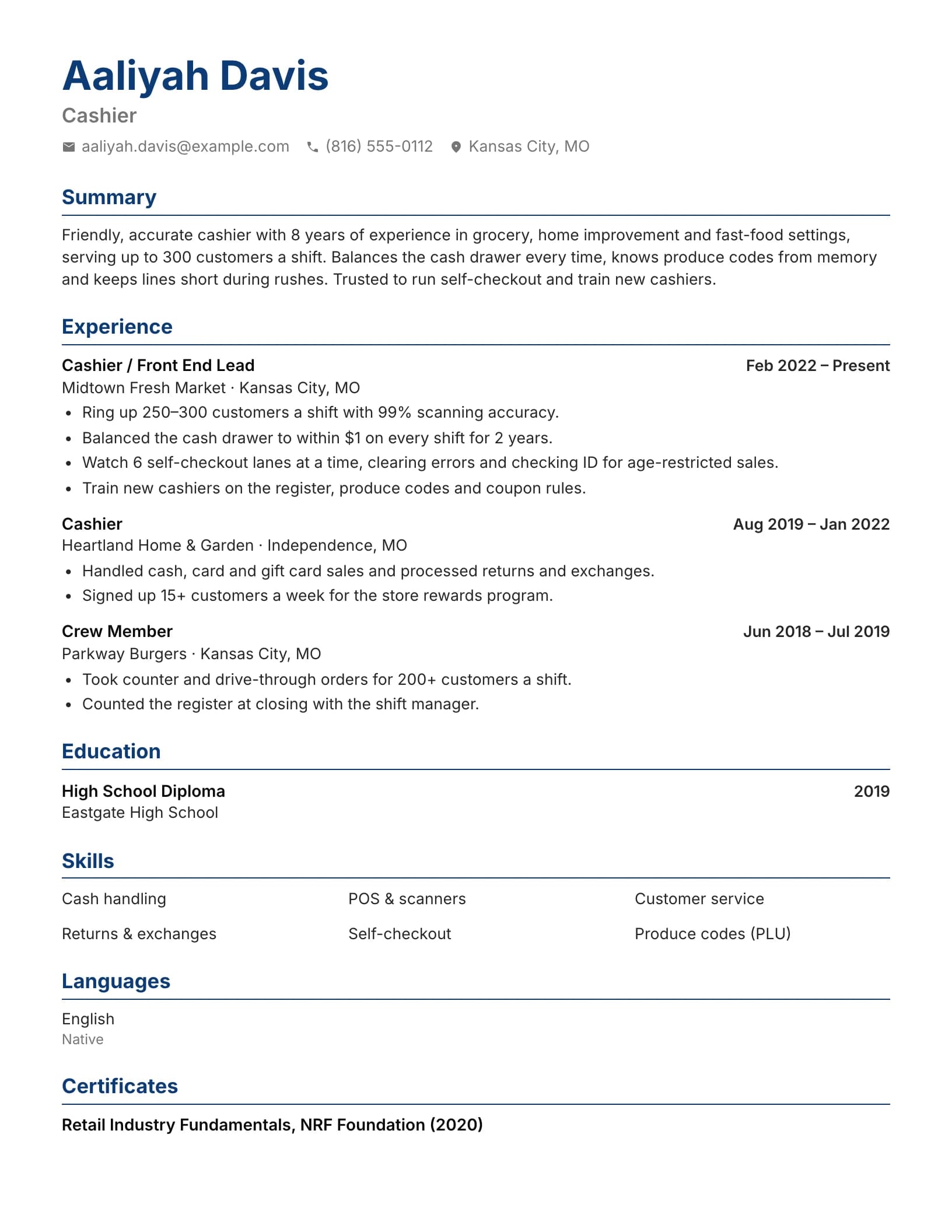
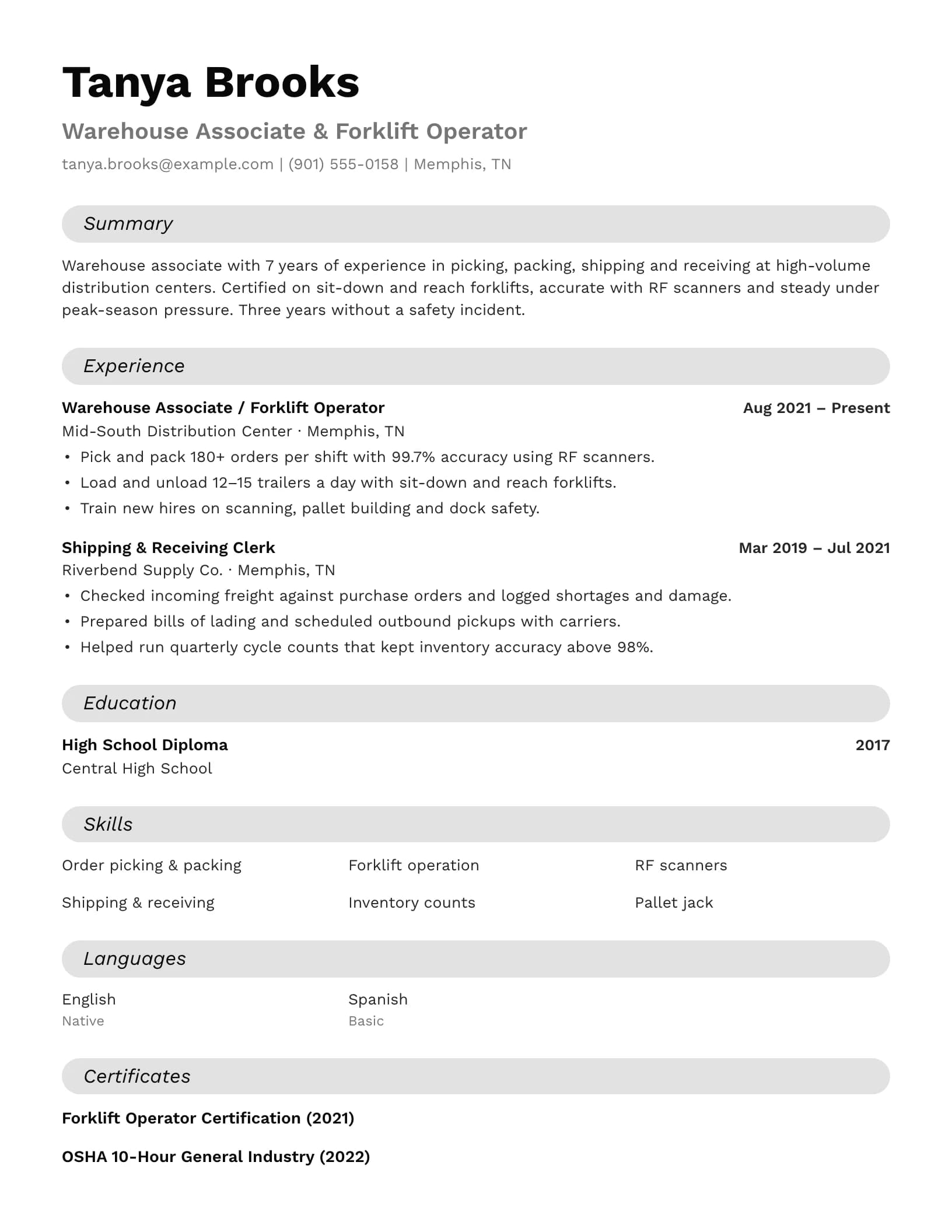
Any of these templates is a safe place to start.
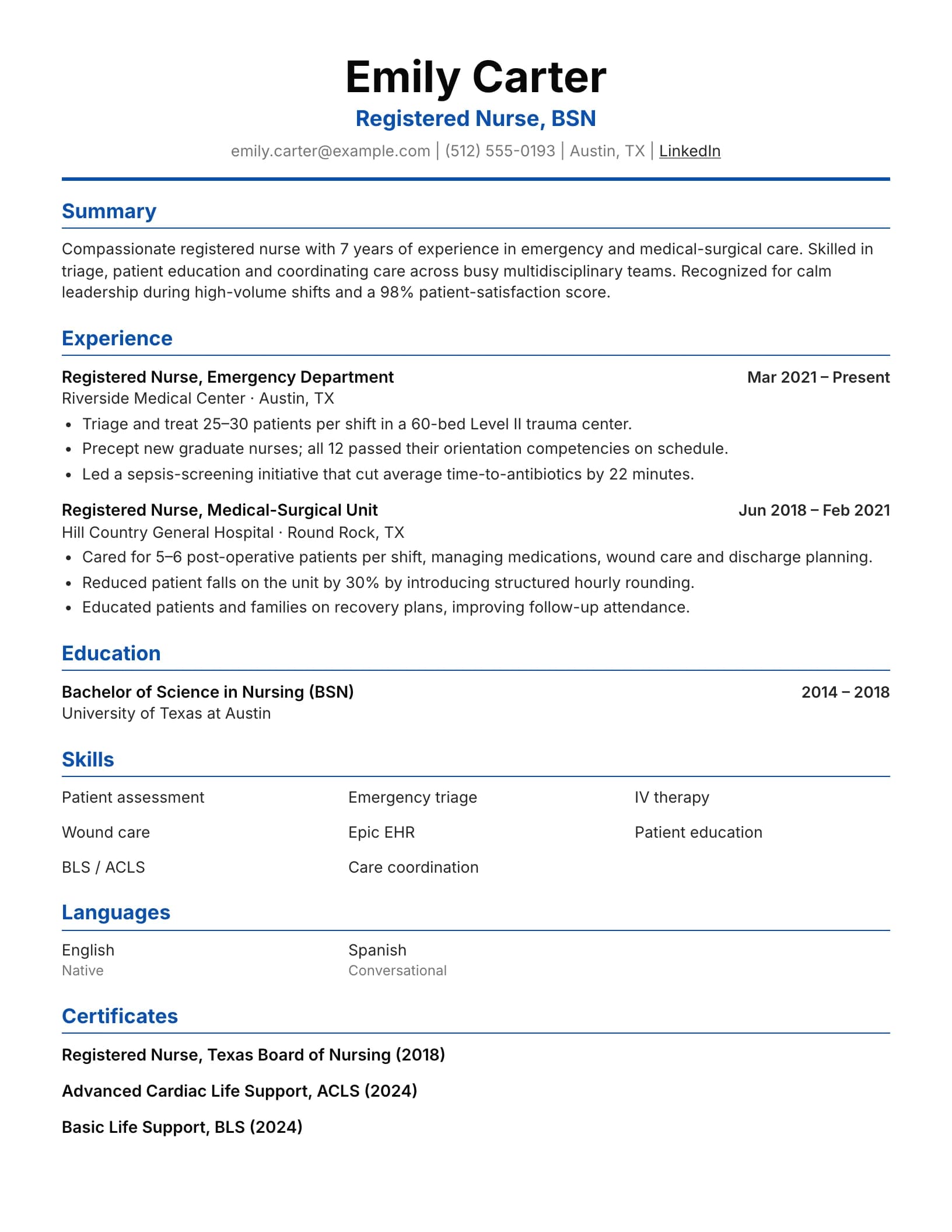 LedgerUse this template
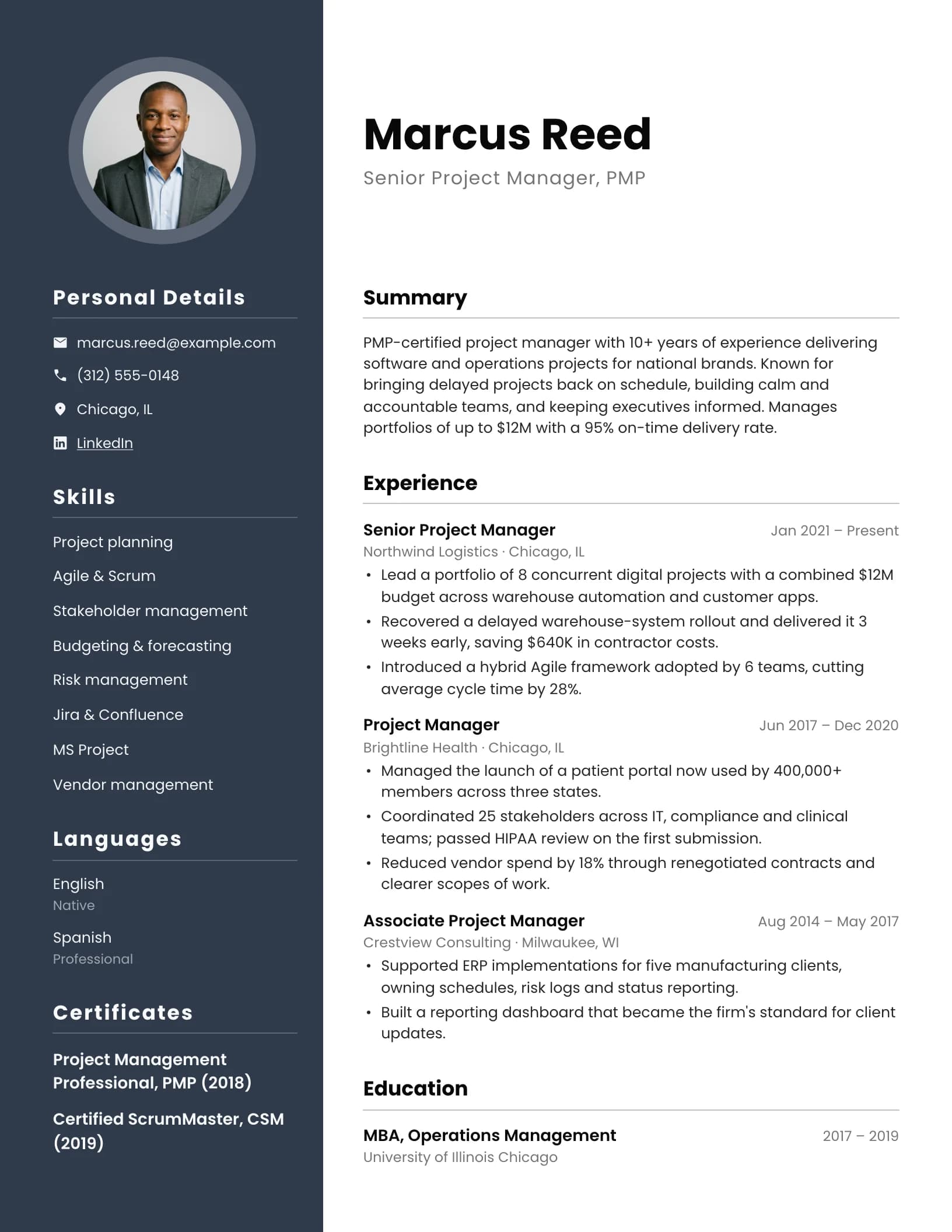 SlateUse this template
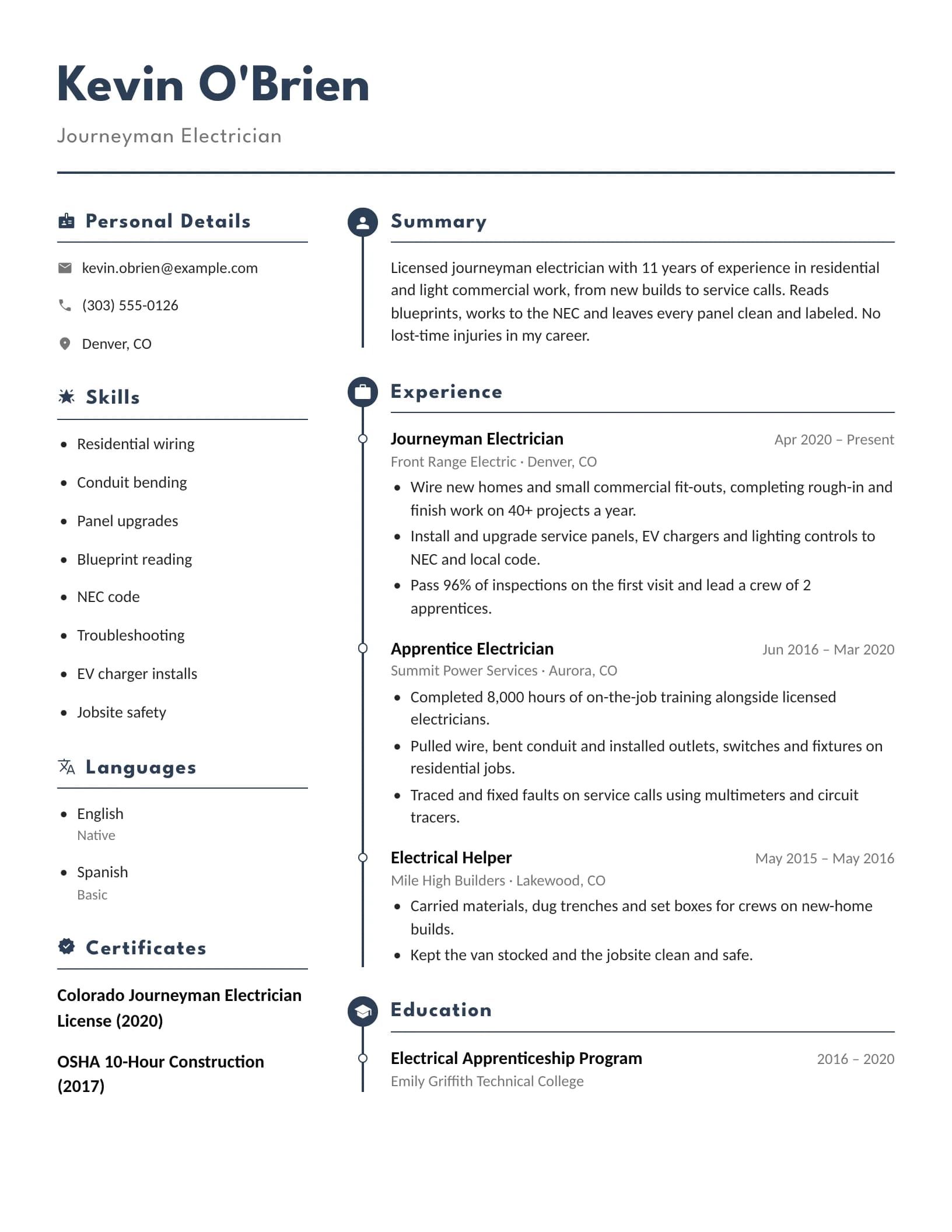 AxisUse this template
The lines under each job do most of the work. Say what you did and add a number.
Worked in a warehouse. Loading and other duties.
Loaded and unloaded 10 to 12 trailers a shift with a sit-down forklift, with no safety incidents in three years.
Served up to 250 customers a shift on the register and at self-checkout, and balanced the cash drawer at closing.
Two things in DuckResume can save you time:
- Import your old resume. If you have one as a PDF or Word file, the builder can bring your details in, so you update them and do not retype them.
- Get a first draft. The AI writing help can draft text from a few notes and suggest improvements to what you have written. Check every word before you keep it, because your name is at the top of the page.
Ten minutes gives you a solid first version. To make each part stronger, follow our step-by-step guide on how to write a resume. If you are not sure what order the sections go in, see resume formats. If this is your first job, read how to write a resume with no experience.
How to save your resume as a PDF for free
Employers and job sites expect a PDF unless they ask for something else. A PDF looks the same on every screen and prints the same on every printer.
- In a resume builder: press Download. This is the step where some builders ask for money, so it is the step to test first.
- In Google Docs: open the File menu, choose Download, then PDF Document.
- In Word: open the File menu, choose Save As and pick PDF as the file type. In the web version, the option is called Download as PDF.
- On a phone: in the Google Docs app, open the menu and tap Share and export to find the PDF option. The Word app has a similar option in its menu.
Then check the file before you send it.
- Open it and count the pages. Make sure nothing is cut off.
- Try to select a line of text. If you can highlight the words, the PDF holds real text that an employer's software can read.
- Name the file with your own name, such as Sam-Rivera-Resume.pdf.
Never send a photo or a screenshot of your resume. Many employers use software to read applications, and it reads text, not pictures. Our guide to ATS-friendly resumes explains what that software needs.
Is a free resume good enough
Yes. An employer sees your resume, not the tool that made it or what it cost. What gets an interview is a clear page of the right length, with true details and words that match the job ad. A paid builder cannot add experience you do not have, and a free one does not take any away.
Free tools differ in how much of your time they take and whether there is a surprise at the end. The checks above deal with the second. For the first, it helps to start from a page that already works. These examples are for a delivery driver, a warehouse worker and a cashier.
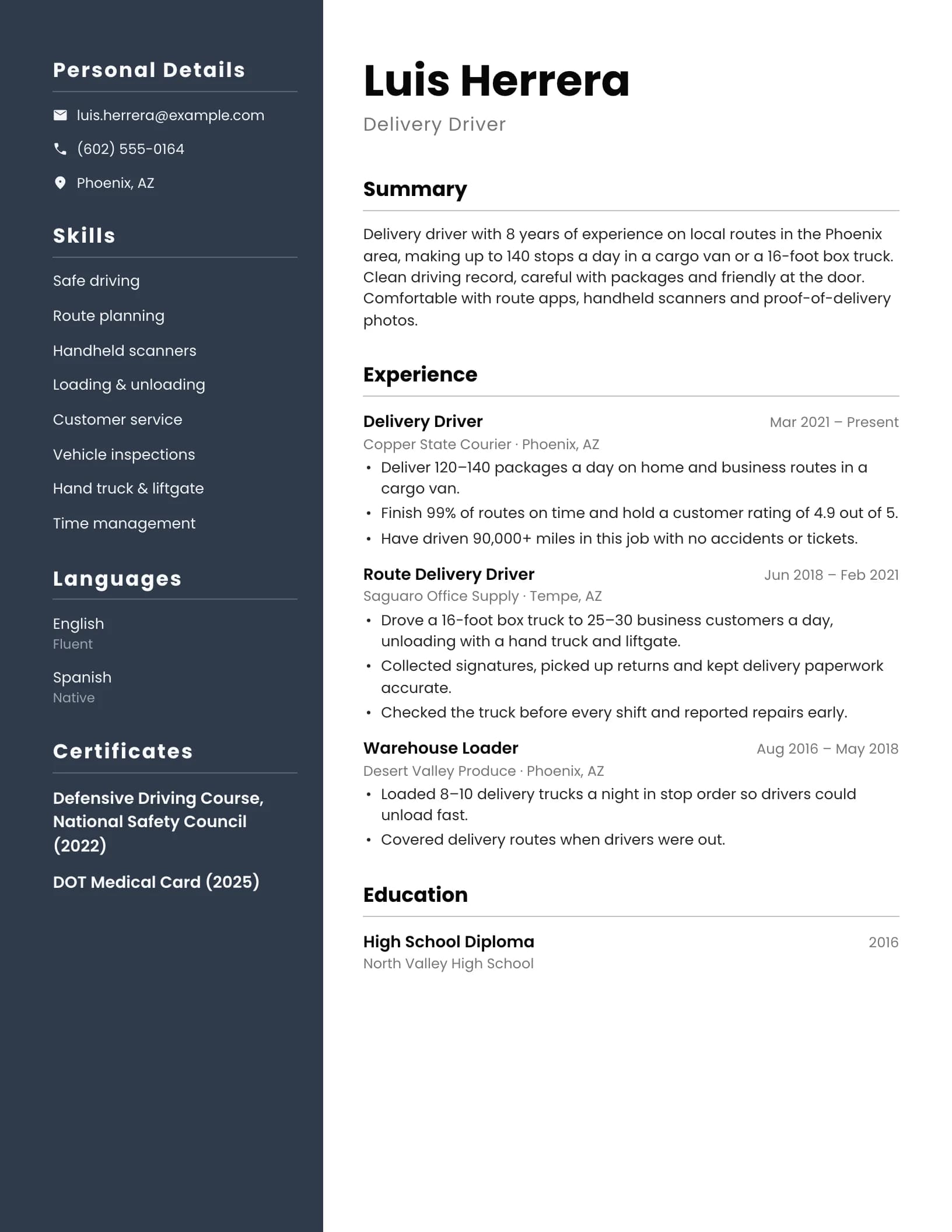
Find the job closest to yours in our resume examples and use it as a model for your own.