Resume example · Office
Administrative Assistant Resume Example
A manager hiring an administrative assistant wants someone who keeps the office running without being asked twice. On a resume that means showing who you supported, what you kept on track and which software you know well. This example sets those out on one page. Open it in the builder, swap in your own work and download the PDF for free.
Use this example — it's free- No sign-up
- Free PDF download
- No watermark

Written by Ali Asjad, resume writerUpdated
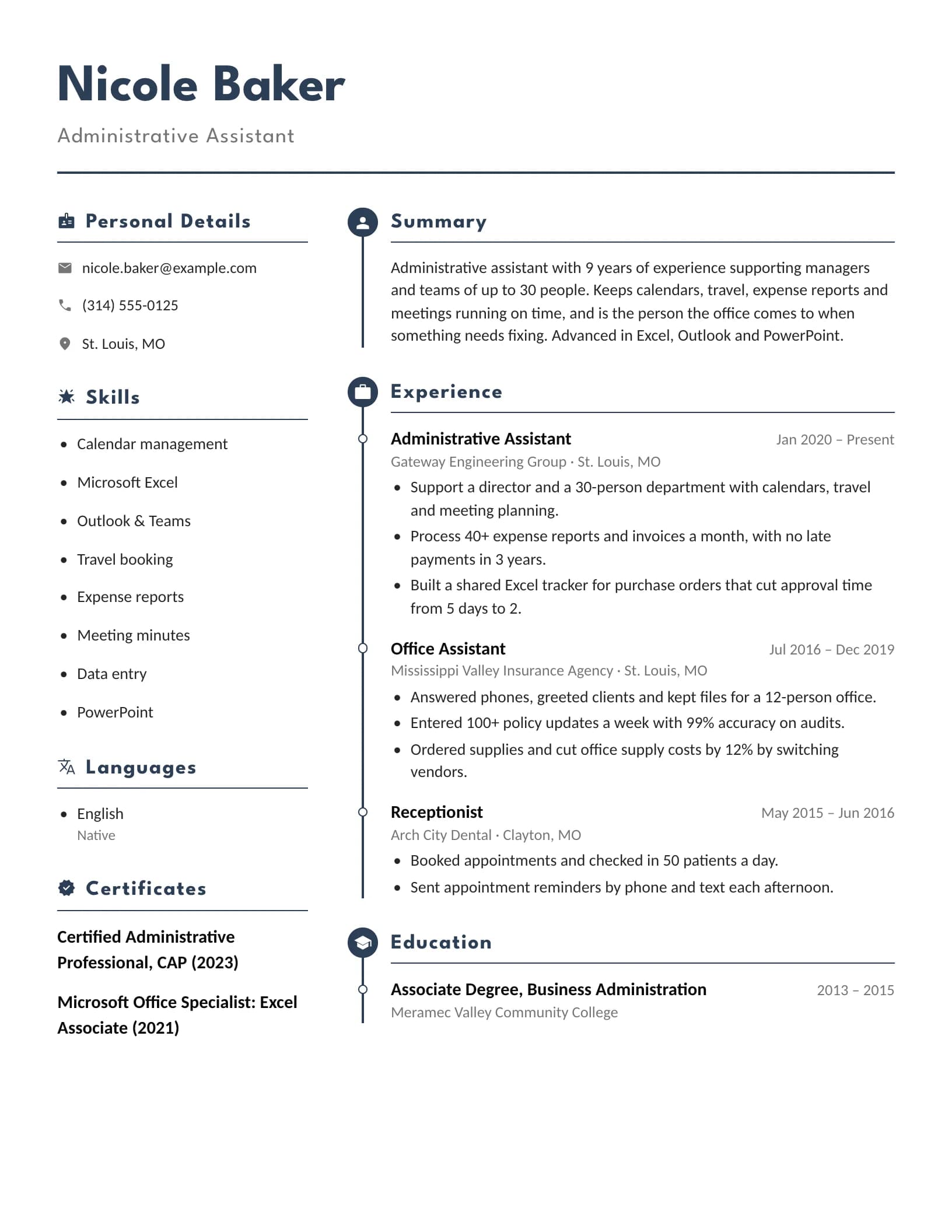
Administrative assistant resume example (text version)
Here is the resume from the picture as plain text. Copy any part of it, or open the whole example in the builder and change it there.
Nicole Baker
Administrative Assistant
nicole.baker@example.com | (314) 555-0125 | St. Louis, MO
Summary
Administrative assistant with 9 years of experience supporting managers and teams of up to 30 people. Keeps calendars, travel, expense reports and meetings running on time, and is the person the office comes to when something needs fixing. Advanced in Excel, Outlook and PowerPoint.
Experience
Administrative Assistant
Gateway Engineering Group, St. Louis, MO · Jan 2020 – Present
- Support a director and a 30-person department with calendars, travel and meeting planning.
- Process 40+ expense reports and invoices a month, with no late payments in 3 years.
- Built a shared Excel tracker for purchase orders that cut approval time from 5 days to 2.
Office Assistant
Mississippi Valley Insurance Agency, St. Louis, MO · Jul 2016 – Dec 2019
- Answered phones, greeted clients and kept files for a 12-person office.
- Entered 100+ policy updates a week with 99% accuracy on audits.
- Ordered supplies and cut office supply costs by 12% by switching vendors.
Receptionist
Arch City Dental, Clayton, MO · May 2015 – Jun 2016
- Booked appointments and checked in 50 patients a day.
- Sent appointment reminders by phone and text each afternoon.
Education
Associate Degree, Business Administration
Meramec Valley Community College · 2013 – 2015
Skills
Calendar management · Microsoft Excel · Outlook & Teams · Travel booking · Expense reports · Meeting minutes · Data entry · PowerPoint
Languages
English (Native)
Certificates
- Certified Administrative Professional, CAP (2023)
- Microsoft Office Specialist: Excel Associate (2021)
What to put on an administrative assistant resume
These are the things an employer looks for first. Make sure each one is easy to find on your page. For the whole page, step by step, see how to write a resume.
Who you supported
Say whether you worked for one manager, several or a whole department, and how many people that was. It tells the reader how much you can juggle.
What you kept moving
Calendars, travel, meetings, expense reports, invoices, supplies. Put a number on each where you can, such as trips booked or reports processed a month.
Software
Name the programs and be honest about your level. “Excel: pivot tables and lookups” says more than “Microsoft Office”.
Things you made better
A tracker you built, a filing system you fixed or a cost you cut shows that you think about the job. One or two lines like this lift the whole resume.
Administrative assistant resume summary examples
The summary is the first thing an employer reads. Two or three sentences are enough: who you are, how much experience you have and what you are best at. Pick the one closest to you and change the details. Our guide to writing a resume summary shows how to build one from scratch.
Experienced administrative assistant
Administrative assistant with 9 years of experience supporting managers and teams of up to 30 people. Keeps calendars, travel, expense reports and meetings running on time, and is the person the office comes to when something needs fixing. Advanced in Excel, Outlook and PowerPoint.
No experience
Organized and dependable, looking for a first administrative assistant job. Three years in retail, including a year as shift lead, scheduling 8 staff, counting cash and writing daily reports. Confident with Word, Excel and Outlook, types 60 words a minute and enjoys keeping things in order.
Moving up to executive assistant
Administrative assistant with 6 years of experience, the last 3 supporting a vice president and her team of 15. Manages a complex calendar, books international travel, prepares board slides and handles confidential files. Looking to step into an executive assistant role.
How to describe your work experience
A weak line names a duty. A strong line says what you did, how much of it and how well. Start with an action word and add a number wherever you have one. Our guide to describing work experience on a resume has more before-and-after lines. If you have not had a job yet, see how to write a resume with no experience.
Weak
Managed calendars.
Stronger
Managed calendars, travel and meetings for a director and a 30-person department, booking about 15 trips a quarter.
Weak
Responsible for expense reports.
Stronger
Processed 40+ expense reports and invoices a month, with no late payments in 3 years.
Weak
Helped improve office processes.
Stronger
Built a shared Excel tracker for purchase orders that cut approval time from 5 days to 2.
Skills for an administrative assistant resume
List the skills you really have, and use the same words as the job ad when they match. Six to ten is plenty. For more ideas, see skills to put on a resume.
Job skills
- Calendar and inbox management
- Travel booking
- Meeting planning, agendas and minutes
- Expense reports and invoices
- Microsoft Excel, Word, Outlook and PowerPoint
- Google Workspace
- Data entry and filing
- Ordering supplies and dealing with vendors
- Answering phones and greeting visitors
- Typing speed
People skills
- Organization
- Attention to detail
- Discretion with confidential information
- Clear writing
- Staying calm when priorities change
How to list software skills on an administrative assistant resume
Almost every applicant writes “Microsoft Office”, so it tells the employer very little. Name each program and say what you can do in it.
A certificate such as Microsoft Office Specialist is worth listing, with the year. If you have none, a line in your experience that shows the skill in use works just as well.
- Excel: formulas, lookups, pivot tables, charts
- Outlook or Gmail: shared calendars, mail rules, meeting invites
- Word: templates, mail merge, long documents
- PowerPoint: slides for meetings and reports
- Teams, Zoom or Slack: setting up and hosting meetings
- Any accounting, HR or booking system your office used, by name
Writing an administrative assistant resume with no experience
Office work rewards skills you may already have from other jobs. A shift lead who made schedules, a cashier who balanced a drawer and a server who handled a rush have all shown organization and accuracy.
Write those tasks the way an office would describe them: scheduling, record keeping, cash handling, written reports, dealing with customers. Add your software skills and typing speed, and any school or volunteer role where you organized something, such as an event or a club’s records.
Administrative assistant resume FAQ
What is the difference between an administrative assistant and an executive assistant resume?
An administrative assistant usually supports a team or an office. An executive assistant supports one or two senior leaders and handles more confidential work. For an executive assistant job, lead with the level of the people you supported, complex calendars and travel, and anything you prepared for senior meetings.
What skills should I put on an administrative assistant resume?
List calendar management, travel booking, expense reports, meeting planning, data entry and the software you know by name. Add people skills such as organization and discretion, and show them at work in your experience bullets.
Should I include my typing speed on an administrative assistant resume?
Include it if the job ad mentions typing or data entry and your speed is good. Write it as a number in your skills list. For most administrative jobs, accuracy and software skills matter more than speed.
How do I show I am organized on a resume?
Do not just write “organized”. Give an example with a number: the size of the calendar you ran, the trips you booked, the reports you processed on time, or a system you set up that saved the team time.
Updated · Axis template
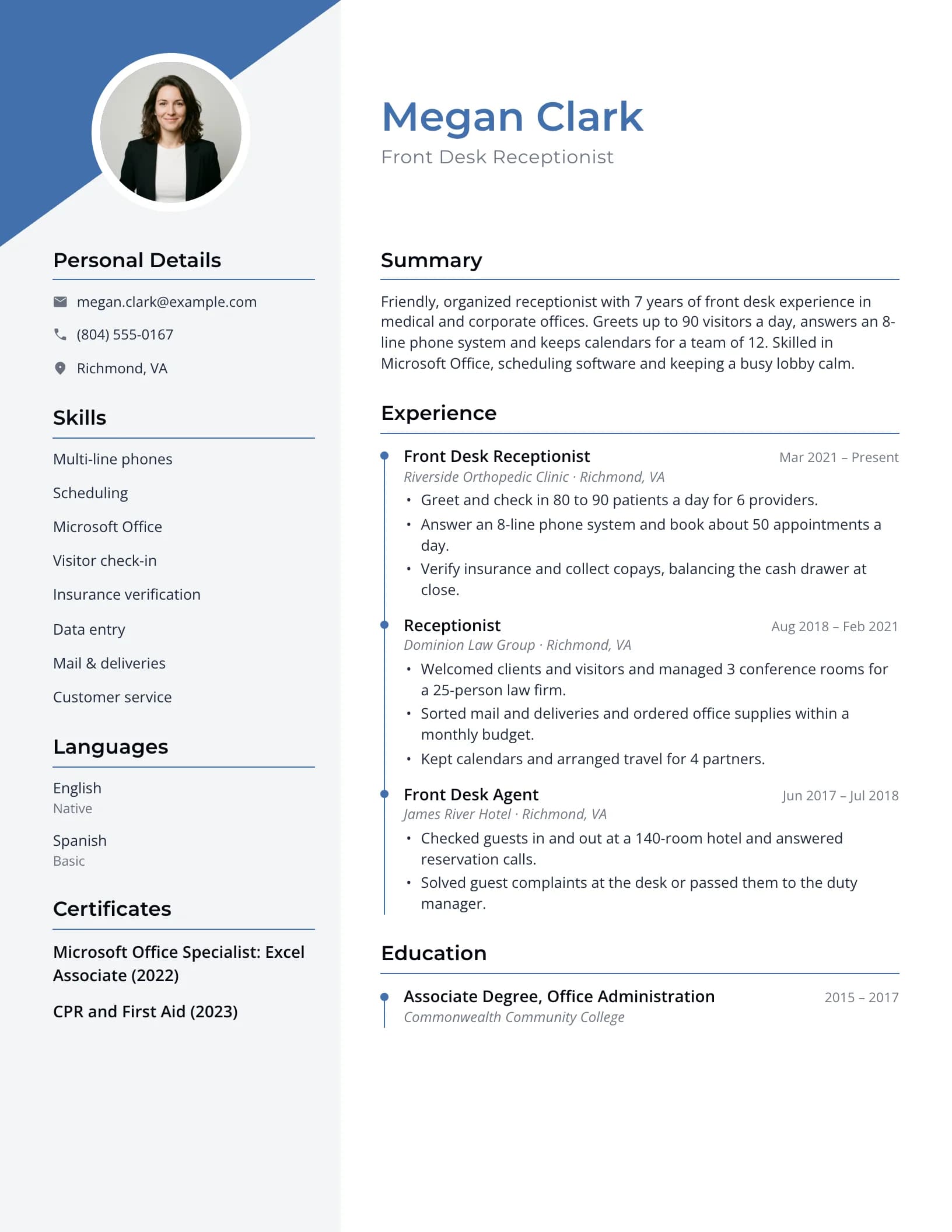
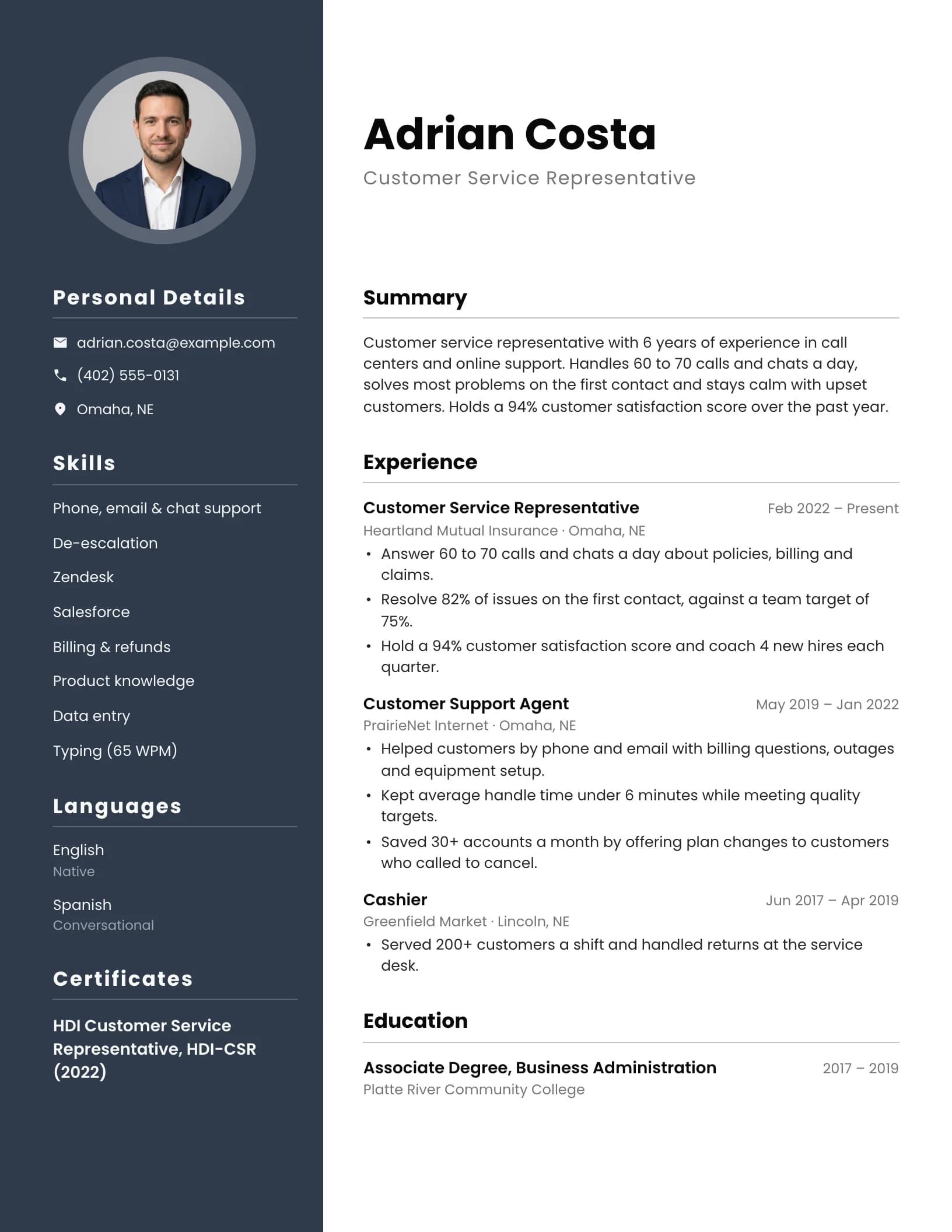
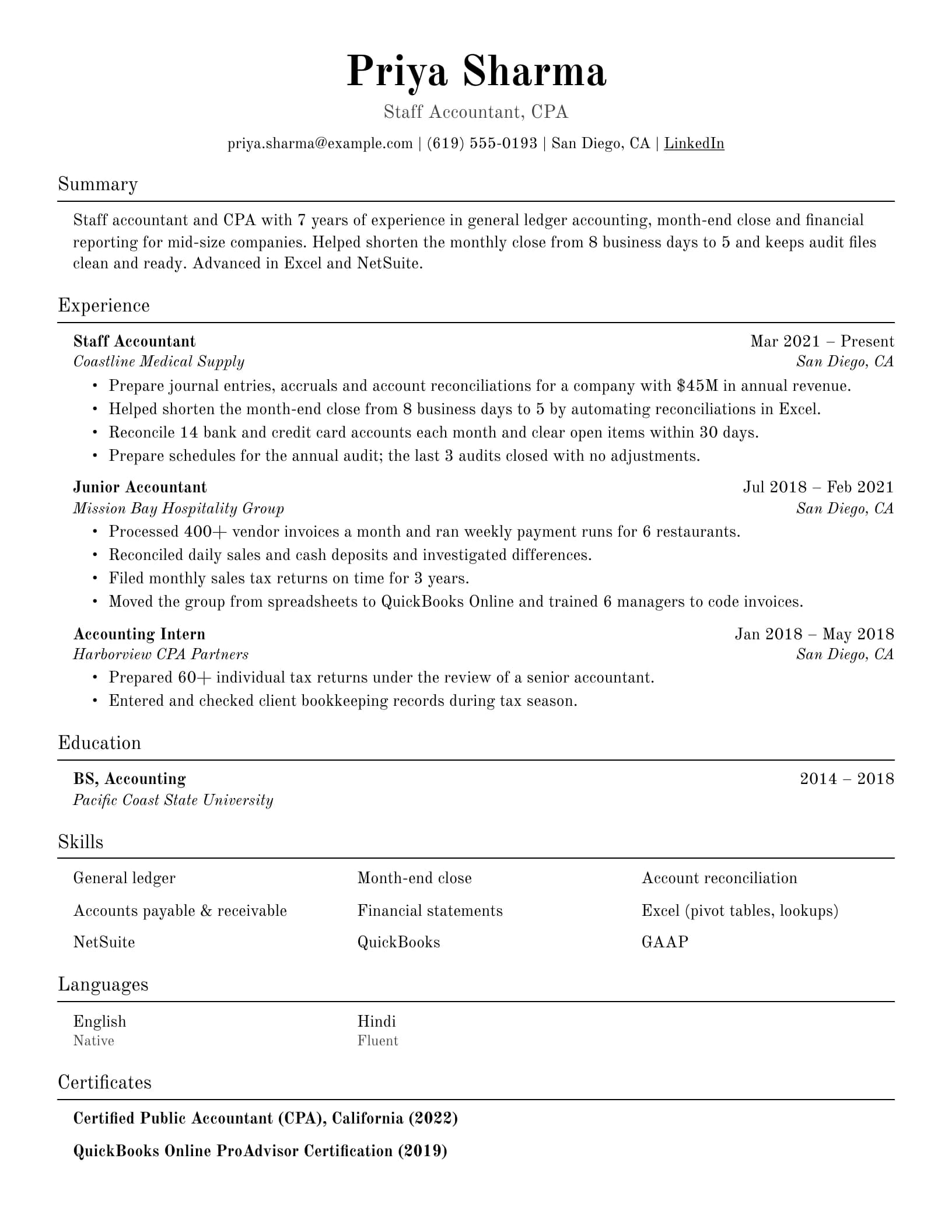
Your next job starts with a great resume
Pick a template, fill in your details and download the PDF. No payment at any step.
Create my resumeCreate my resume — it's free- No sign-up
- Free PDF download
- No watermark
DuckResume is also an app for Android and iPhone, free to download.